
Octaves
Passive Bandpass Filter
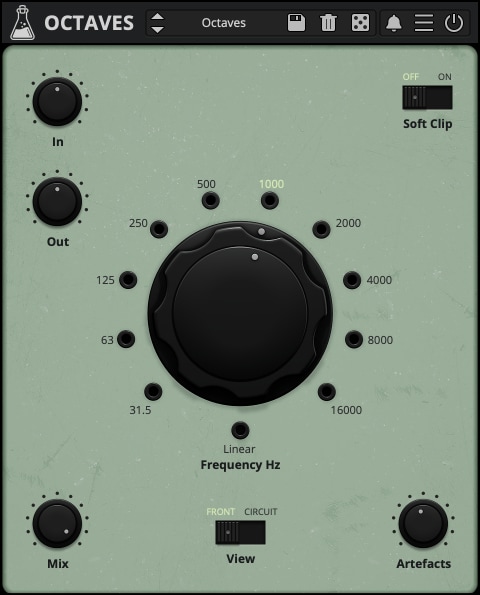
Hainbach’s Bandpass Filter
Octaves is our latest collaboration with Berlin-based composer and YouTuber Hainbach. It is a filter plugin designed to take apart the audio spectrum in spreads of octaves, allowing for unique and enchanting spectral sound design effects. Octaves gives you a retro-scientific approach to sound that echoes the timeless productions created in the BBC Radiophonic workshop or the WDR Studio für Elektronische Musik by the Avantgarde masters, and modern places like Willem Twee, Strøm, and Hainbach’s own laboratory.
Octaves is available for macOS, Windows, and Linux (VST2, VST3, AU, AAX, CLAP).
It’s also available on the App Store for iOS and iPadOS (AUv3 and Standalone).
What is a bandpass filter?
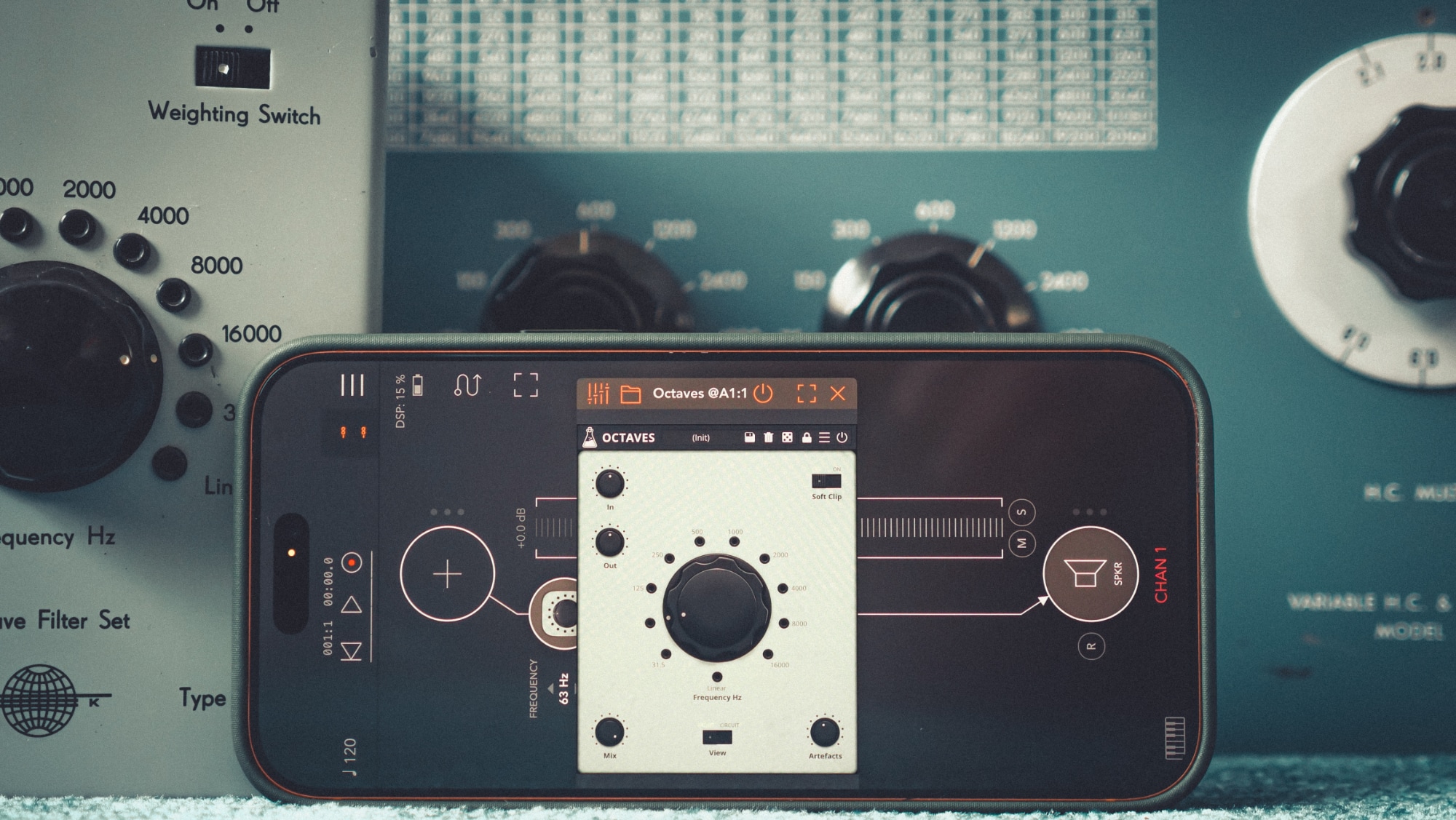
Passive bandpass filters are designed to listen and especially look at (when connected to an Oscilloscope) specific parts of an audio spectrum for signal analysis in broadcast, research and radio communication. They are commonly designed to work in octaves (Oktavesieb) or thirds (Terzsieb), and you switch between these frequencies in steps.
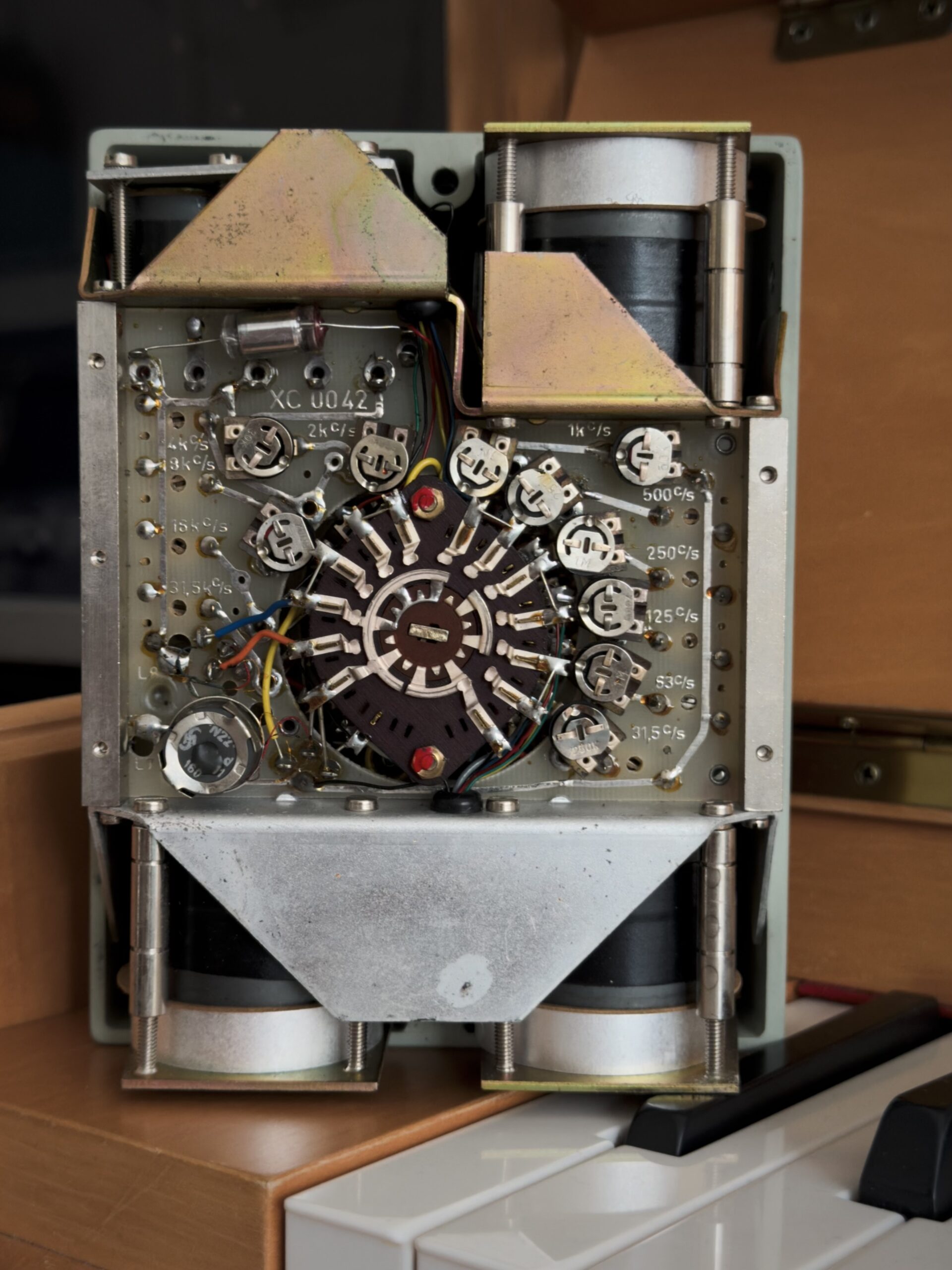
Passive bandpass filters are among the heaviest audio research tools ever made. As they they use no electricity, all the filtering is realized by massive metal coils, wound for each frequency band. Since there are quite a few bands, even the smallest examples get rather heavy.
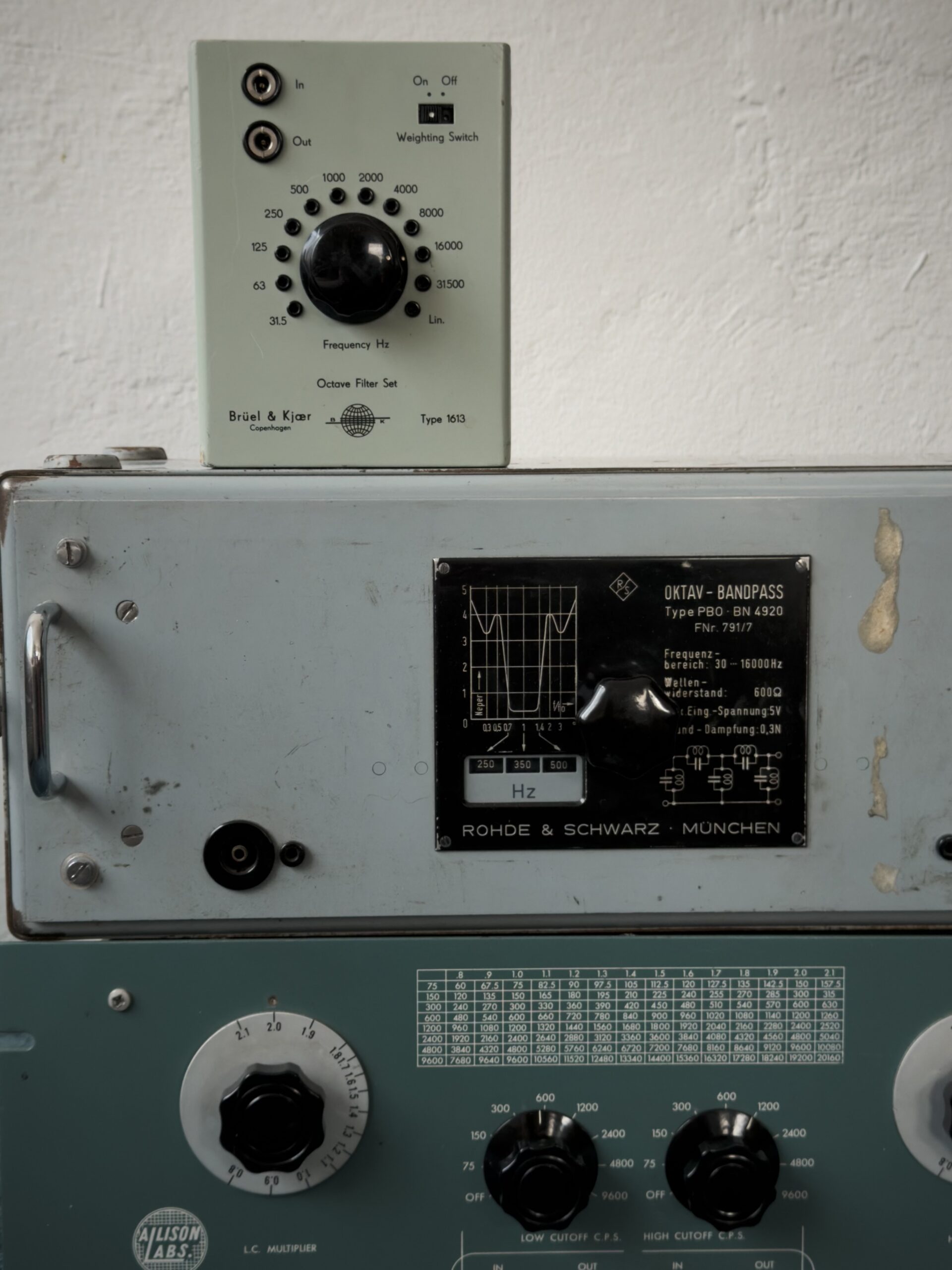
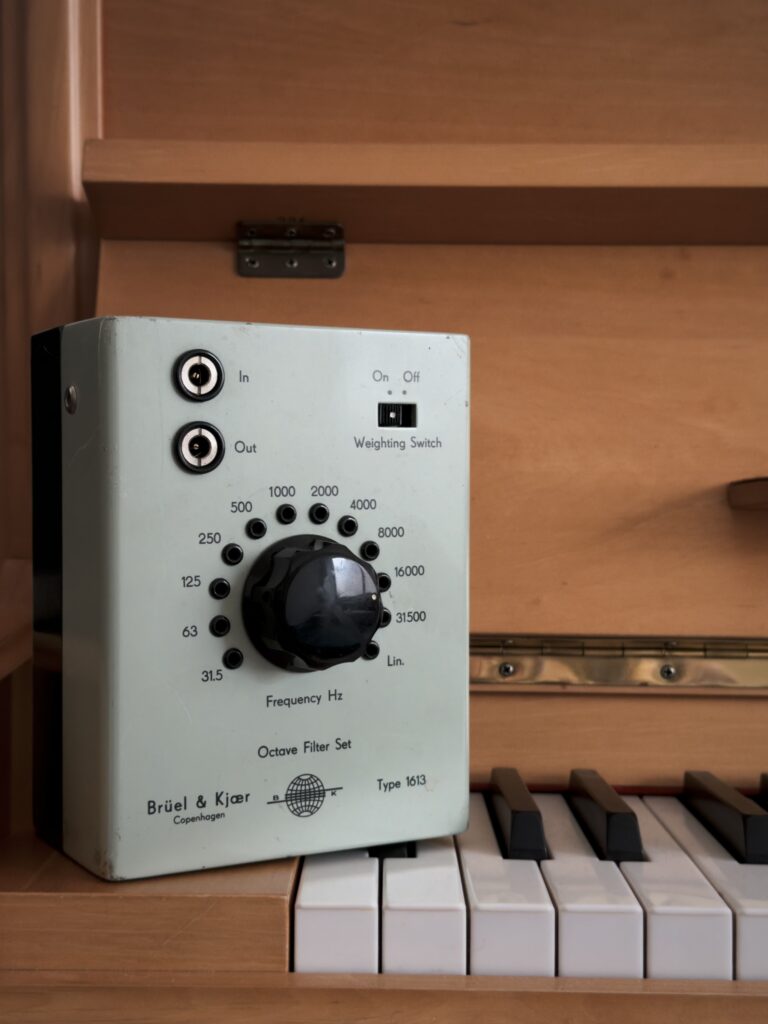
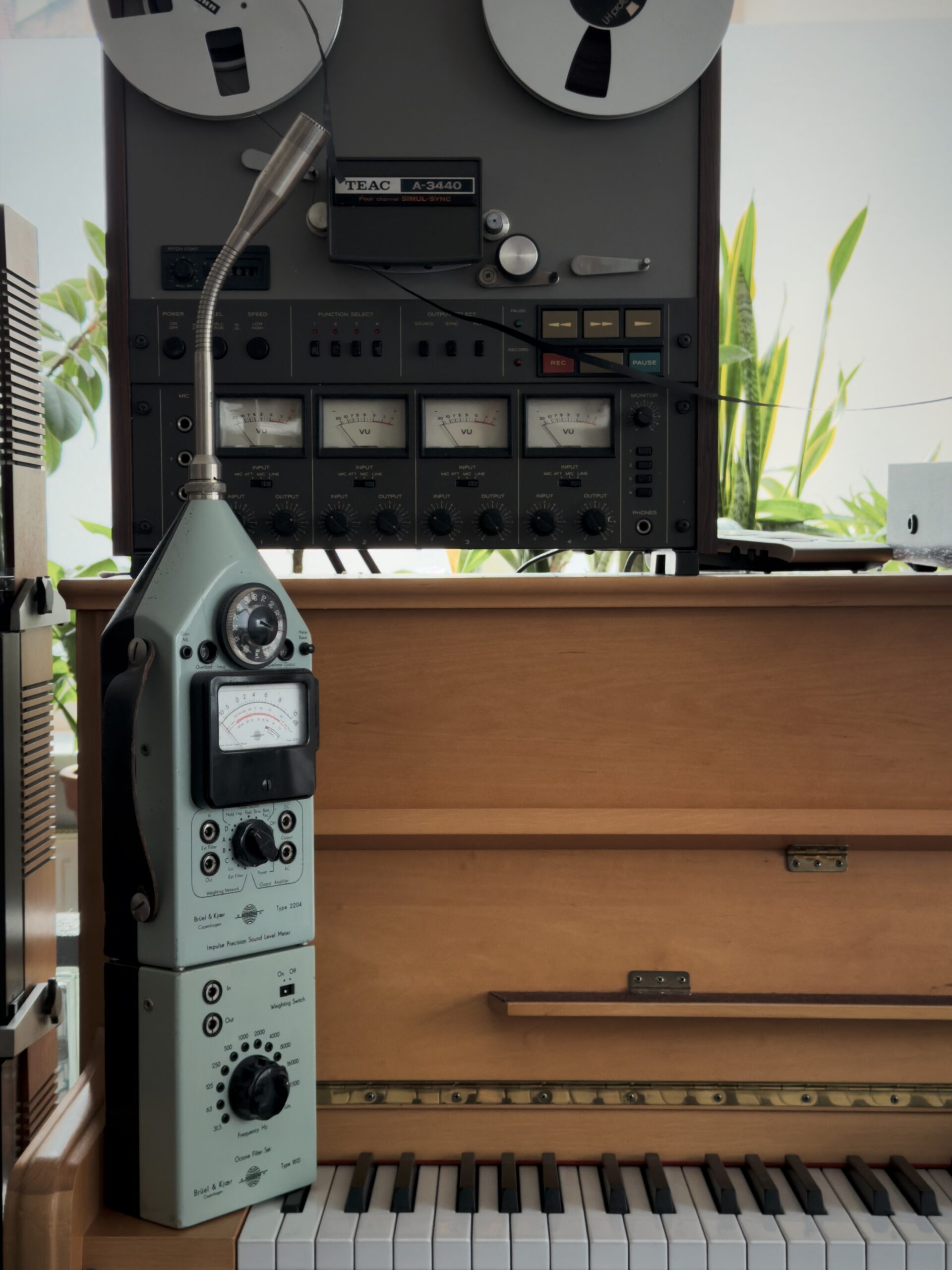
The portable Brüel & Kjaer 1613 we modeled for Octaves clocks in at 2kg (about 4 pounds). Bigger versions intended for laboratory and signal corps use easily go up to 29kg. Rather impractical by today’s standards, so after the invention of the transistor and integrated circuits, these high-end tools fell by the wayside. But their sound graced countless records of the electronic Avantgarde. They were a beloved staple of radio studios in Germany, France, the UK, and Italy. Composers used them to tear apart sounds spectrally. In the Netherlands, they often hit them with short bursts of pulses in a technique called pinging, turning them into colorful percussion boxes. Due to their construction, they have a unique sound that you don’t find in any normal synthesizer, which attracts musicians even today.
What was the 1613 used for?
The Brüel & Kjaer 1613 Octave Bandpass we modeled was meant for portable use on a 2203/2204 sound level meter. This combination of microphone, amplifier, and filter would allow on site measurements, be it for noise at the workplace, measuring of PA systems or music levels at the dive bar under your flat. Comically outsized by today’s standards, the 2204 became a surprise hit, as inventive recordists realized you could do excellent classical recordings by using two of these unwieldy audio meters. This probably pushed Brüel & Kjaer to manufacture recording mics, and later creating a pro-audio division as DPA. Hainbach made the same discovery decades later, when he picked up a 2204 and started using it in the studio.
What does Octaves do differently?
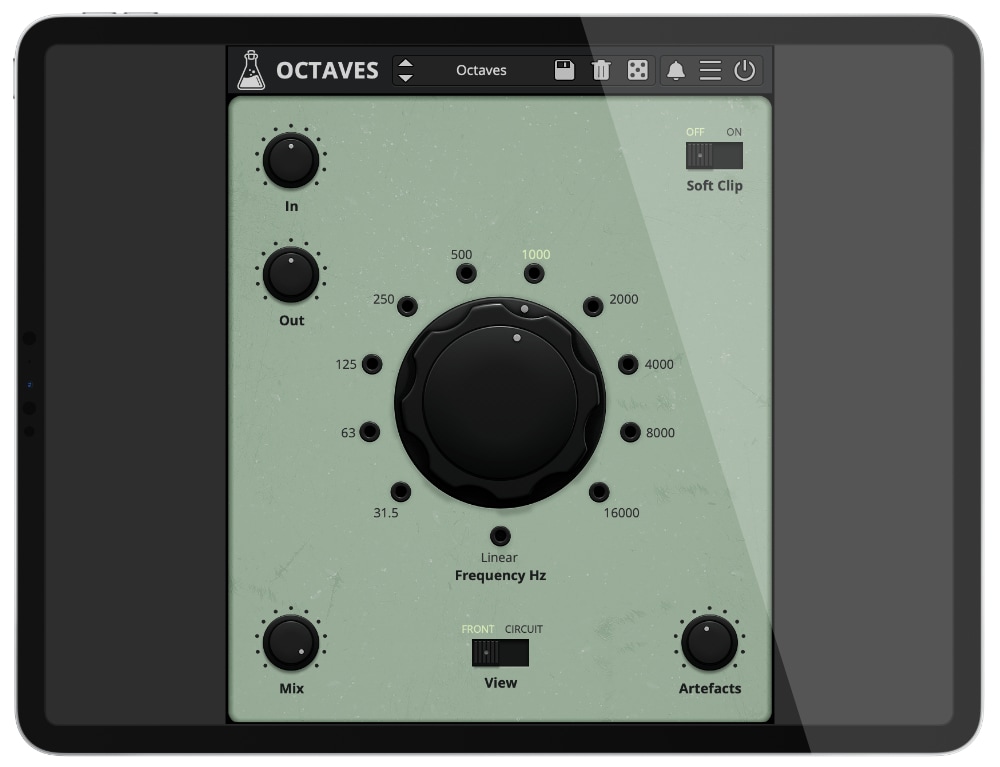
The plugin is faithful to the original, yet takes many steps in going beyond it. We added input, output, mix, and soft sat controls that allow you to overdrive the filter. Unserviced, the 1613 might pop and click when switching bands. We made that an effect you can use creatively: if you set artifacts to “high” you can ping the filter by switching the frequencies. That turns Octaves into a little drum machine if you modulate or automate the frequency switch.
You can “hack” and modify Octaves by opening the back panel. Now you have access to impedance, which acts as a resonance control. Keep it at 0 for the natural sound of the filter, open it up to increase resonance for a sharper, more intense sound. This interplays with volume and soft saturation, so be sure to experiment with all the settings together.
If you adjust the dials next to frequency bands, you can open up the volume of the frequencies regardless of knob position. This turns octaves into full filter bank.
We added control of over “oversampling”. This parameter helps avoid artifacts that stem from hitting sample rate limits. If you run your sessions at 44.1/48kHz and can spare the additional CPU oversampling draws, we recommend setting it at 2x or 4x. It can act as subtle tone control, so you might try leaving it off even for a rougher sound.
What can I use it for?
Creative Filtering: Octaves is suited well for crafting spherical tones from rich sounds. It likes to have a lot to chew on, so saw waves, distorted guitar, noise, piano or cymbals work especially well when filtered by it.
Pinging: If you pair it with a source of short pulses like B00GA, our micro sound rhythm generator, you can turn it into a drum machine by upping the impedance. Modulate everything and plonk away!
Sound Design: Create radio voices, hissing textures or dark drones by focusing on a particular band.
Mixing: Less is more in mixing. Put a sound a tight band to create space while keeping its core. If you need more fine control, try Dials, our adjustable bandpass filter.
Feedback patching: Insert Octaves on an Aux and feed that Aux back into itself. Put a limiter after to protect your ears and speakers, and enjoy the feed backing tones.
These are just some ideas to get you started, there is more out there to explore. Happy filtering from AudioThing and Hainbach!
Hainbach
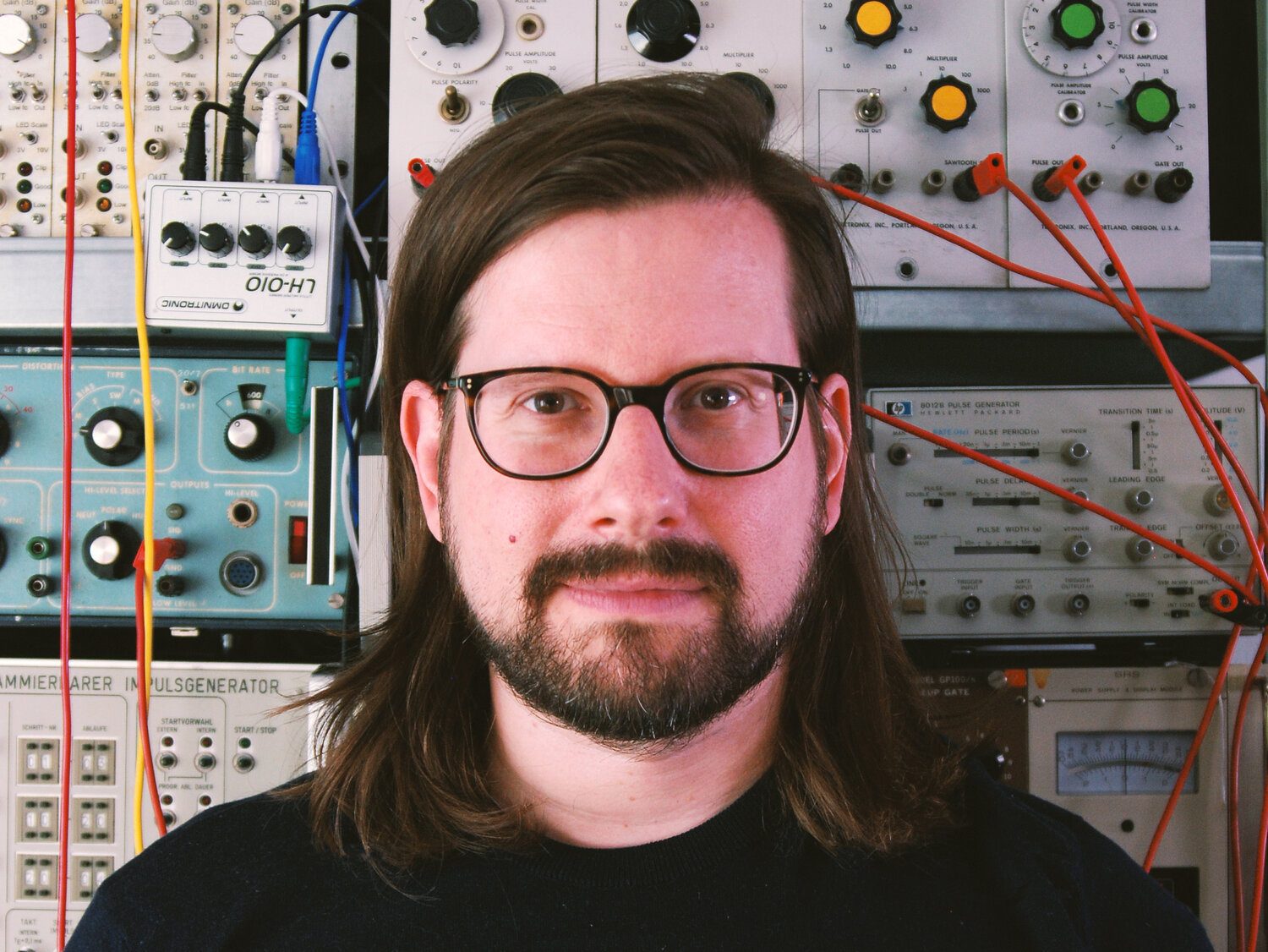
Based out of Berlin, Germany, electro-acoustic composer and “that guy with the sweaters” Hainbach creates experimental music that is both visceral and whimsical. Using esoteric synthesizers, test equipment and magnetic tape he creates one hell of a trip in his improvised live sets. He shares techniques on experimental music on his YouTube channel, which has attracted a regular audience of over 220000 subscribers. His music has been released on Seil Records, Opal Tapes, SA Recordings and misc.works.
Octaves Demo
Try Octaves for free with some limitations: limited selections of noises, silence for 3 seconds every 2 minutes, saving disabled.
It’s not possible to authorize the demo version, you’ll find the full version installer in your user area.
macOS
Requires macOS 10.13 or higher
AU, VST2, VST3, AAX, CLAP (64bit only)
Windows
Requires Windows 7 or higher
VST2, VST3, AAX, CLAP (64bit only)
Linux
Requires Ubuntu 20.04 or newer
VST2, VST3, CLAP (64bit only)
Specifications
- Passive Bandpass Filter
- 10 + 1 Bands
- Oversampling up to 16x
- Impedance and Artefacts controls
- Resizable Window
- Preset system with randomizer
- Brightness and Contrast Controls
System Requirements
Windows 7 – 11
2GHz CPU, 4 GB RAM
VST2, VST3, AAX, CLAP (64-bit)
macOS 10.13 – macOS 26
2GHz CPU, 4 GB RAM
VST2, VST3, AU, AAX, CLAP (64-bit)
Universal 2 Binary
Ubuntu 20.04 LTS
2GHz CPU, 4 GB RAM
VST2, VST3, CLAP (64-bit)
Copy Protection
To activate your plugin you can choose between Online and Offline authorization.
Create an account, log in through the plugin to activate, or download your license file for offline activation.
Activation
1 license up to 3 computers
No iLok
We don’t like dongles
No Internet
No connection required to activate
Changelog
2025/11/17: v1.0
Release!
