
Things - Texture
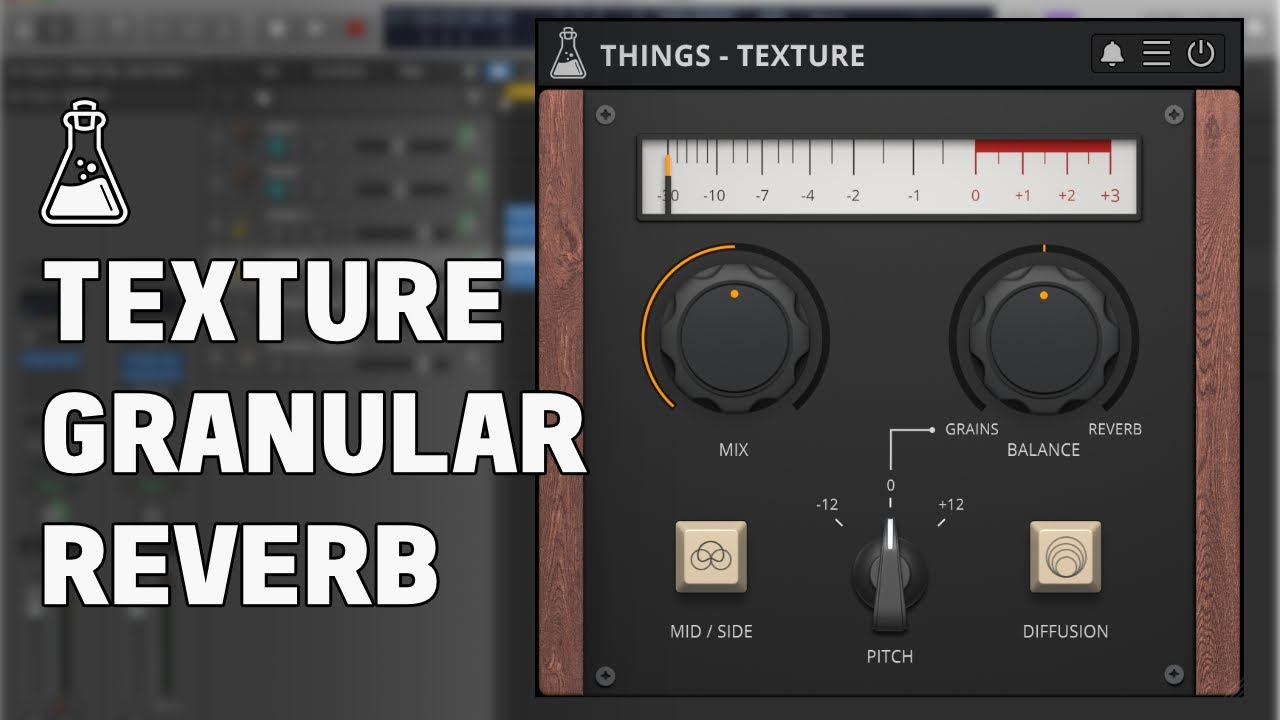
Granular Reverb
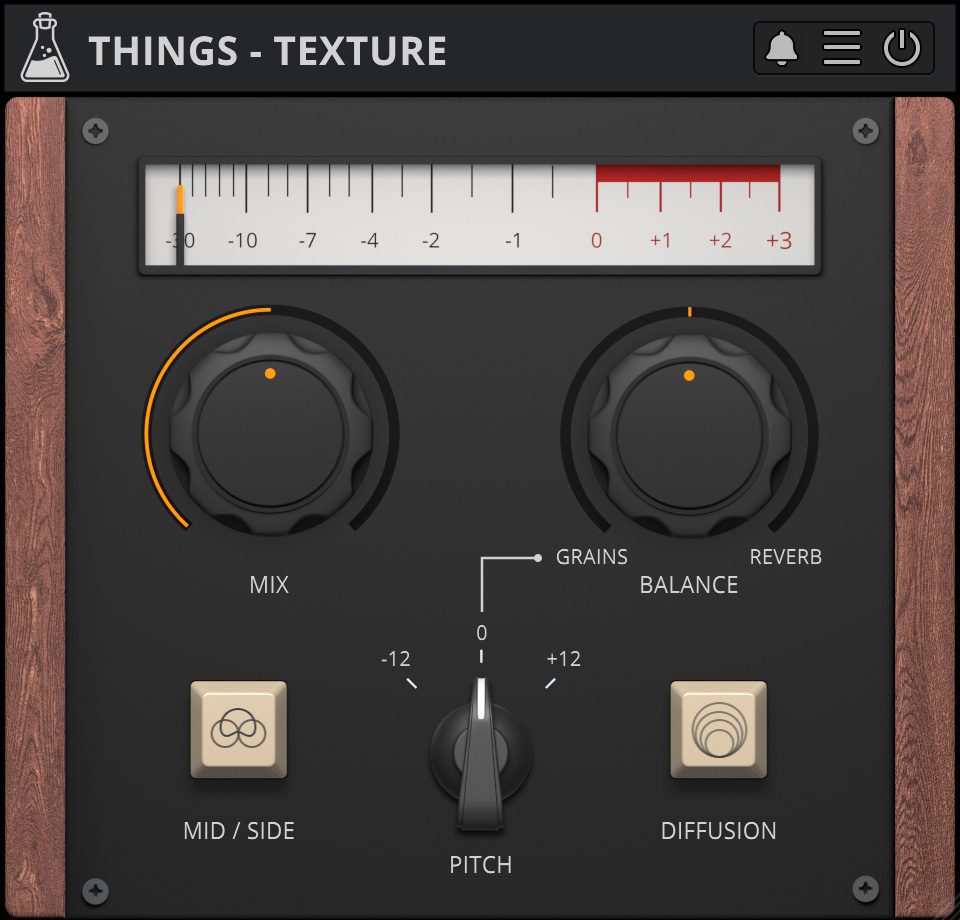
Granular Reverb with M/S
Things is going to be a series of smaller plugins covering a wide range of effects, focused on sound design and creativity.
The first in the series is Texture, an easy to use granular reverb with pitch shifting and mid/side mode. Texture can transform any sound into an ambient soundscape, or add that drone vibe to your tracks. This plugin was inspired by the techniques used in the soundtrack and sound design of the award-winning indie game The Swapper.
Things – Texture is available for macOS, Windows, and Linux (VST2, VST3, AU, AAX, CLAP).
It’s also available on the App Store for iOS and iPadOS (AUv3 and Standalone).
Mid / Side
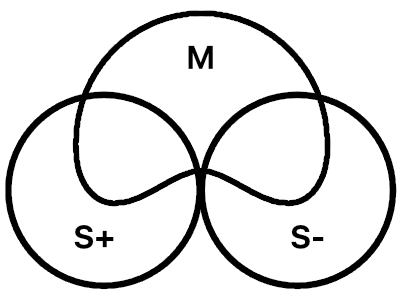
What is Mid / Side?
In a stereo signal, the Mid channel is considered the center, and contains both Left and Right channels. Boosting the Mid channel results in a more mono sound.
The Side channel instead contains the difference between the Left and Right channels. Boosting the Side channel results in a more spacious or wider sound.
Mid / Side Mode
When the Mid and Side mode is engaged, the granular effect is applied only to the Side part of the input signal. The Mid is instead attenuated, creating a special stereo width effect. The reverb is always applied on both Mid and Side parts.
Also available on iOS
Things – Texture is available for iPhone and iPad on the App Store, as a AUv3 plugin and Standalone (IAA).
Download on theApp Store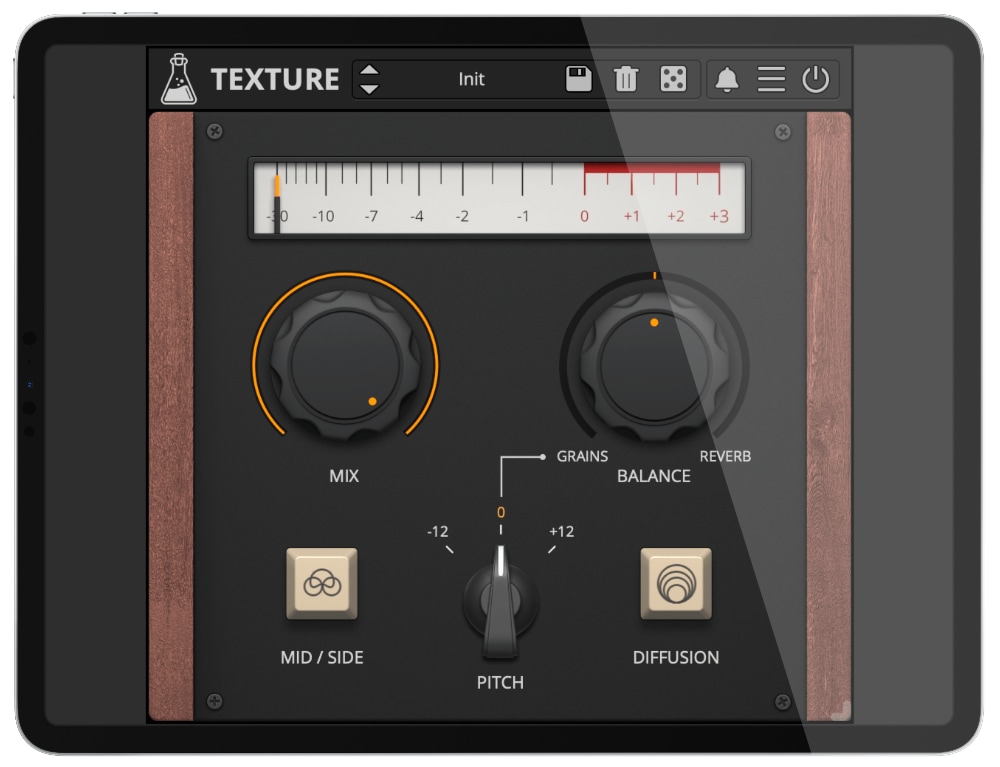
Things - Texture Demo
Try Things – Texture for free with some limitations: silence for 3 seconds every 45 seconds, saving disabled.
If you like it, you can purchase a license and then authorize the demo version.
Requires macOS 10.13 or higher
AU, VST2, VST3, AAX, CLAP (64bit only)
Requires Windows 7 or higher
VST2, VST3, AAX, CLAP (64bit only)
Requires Ubuntu 20.04 or newer
VST2, VST3, CLAP (64bit only)
macOS
Requires macOS 10.13 or higher
AU, VST2, VST3, AAX, CLAP (64bit only)
Download demoWindows
Requires Windows 7 or higher
VST2, VST3, AAX, CLAP (64bit only)
Download demoLinux
Requires Ubuntu 20.04 or newer
VST2, VST3, CLAP (64bit only)
Download demoSpecifications
- Granulator + Reverb
- Mid/Side Operation
- Granular Pitch Shifting
- Brightness and Contrast Controls
- Resizable Window
- Preset system with randomizer
System Requirements
Windows
Windows 7 – 11
2GHz CPU, 4 GB RAM
VST2, VST3, AAX, CLAP (64-bit)
macOS
macOS 10.13 – macOS 15
2GHz CPU, 4 GB RAM
VST2, VST3, AU, AAX, CLAP (64-bit)
Universal 2 Binary
Linux
Ubuntu 20.04 LTS
2GHz CPU, 4 GB RAM
VST2, VST3, CLAP (64-bit)
Changelog
v1.1.2 2025/10/02
- Added: Graphics Controls (Brightness and Contrast)
- Added: macOS 15 Sequoia support
- Improved: CPU and memory usage
v1.1.1 2023/02/11
- Added: Preset System with Randomizer
- Added: Linux VST2, VST3, CLAP plugin formats
- Added: macOS 13 Ventura support
- Added: AAX Silicon Support
- Added: Windows 11 support
- Improved: Graphic memory usage
- Fixed: Compatibility with macOS 10.11 and 10.12
v1.1 2022/09/16
- Added: macOS 12 Monterey support
- Added: CLAP plugin format
- Improved: Graphics assets
- Improved: Plugin size and loading time
- Improved: Plugin window resize
- Improved: VU meter smoothness
- Improved: Labels with values can now be clicked
v1.0.2 2021/01/26
- Improved: CPU usage
- Improved: Granulator stability and internal feedback
v1.0.1 2020/12/24
- Fixed: Random granulator errors resulting in clicks and pops
v1.0 2021/04/05
- Release!
Copy Protection
To activate your plugin you can choose between Online and Offline authorization.
Create an account, log in through the plugin to activate, or download your license file for offline activation.
Activation
1 license up to 3 computers
No iLok
We don’t like dongles
No Internet
No connection required to activate