
Wave Box
Dynamic Dual Waveshaper
Waveshapers
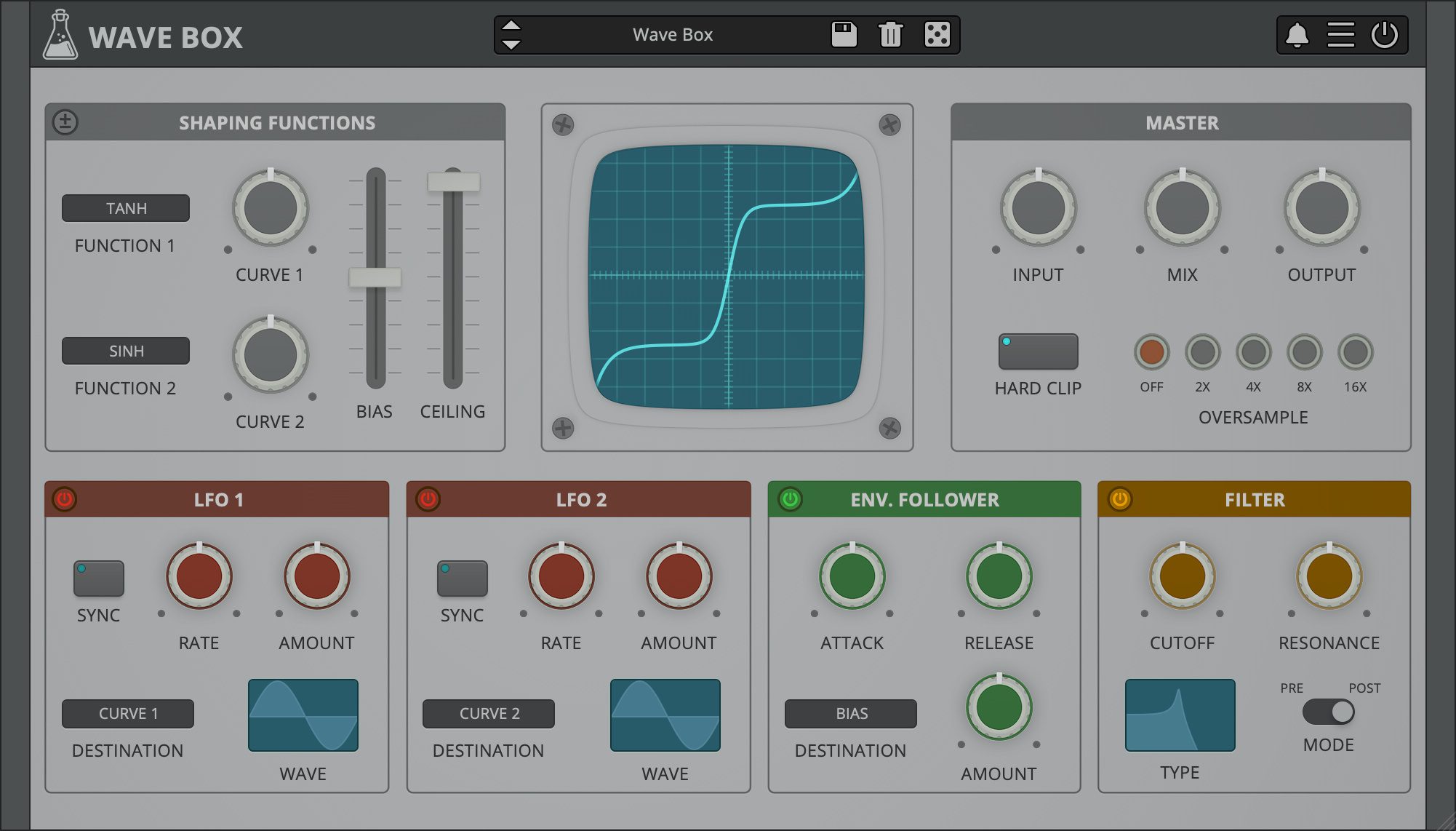
Wave Box is a dynamic dual waveshaper plugin that can be used for both symmetrical and asymmetrical distortion. A waveshaper is a type of distortion in which the input signal is mapped to the output by applying a fixed or variable shaping function.
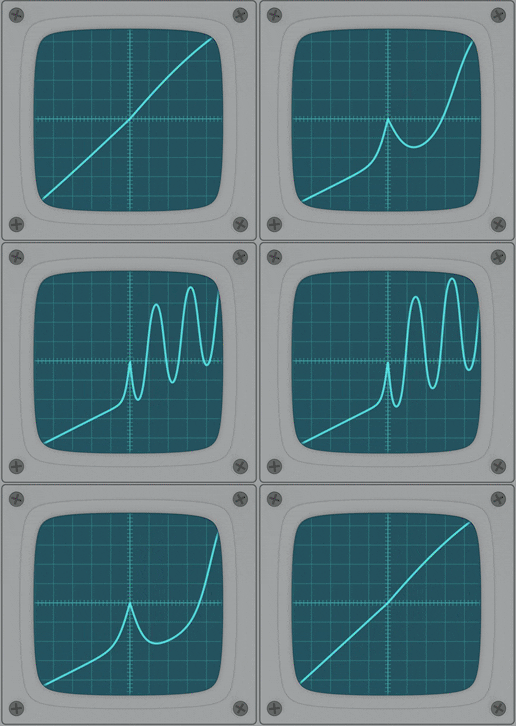
Wave Box features two separate waveshapers that can be mixed together while being modulated by 2 LFOs and 1 Envelope Follower. You can design your own waveshaping curves by combining and adjusting 12 pre-defined functions (tanh, erf, sinh, sin, linear, abs, invert, floor, round, ceil, gauss 1, gauss 2).
Wave Box can range from mild tube-flavoured overdrive to extreme digital harshness.
Wave Box is available for macOS, Windows, and Linux (VST2, VST3, AU, AAX, CLAP, Standalone).
It’s also available on the App Store for iOS and iPadOS (AUv3 and Standalone).
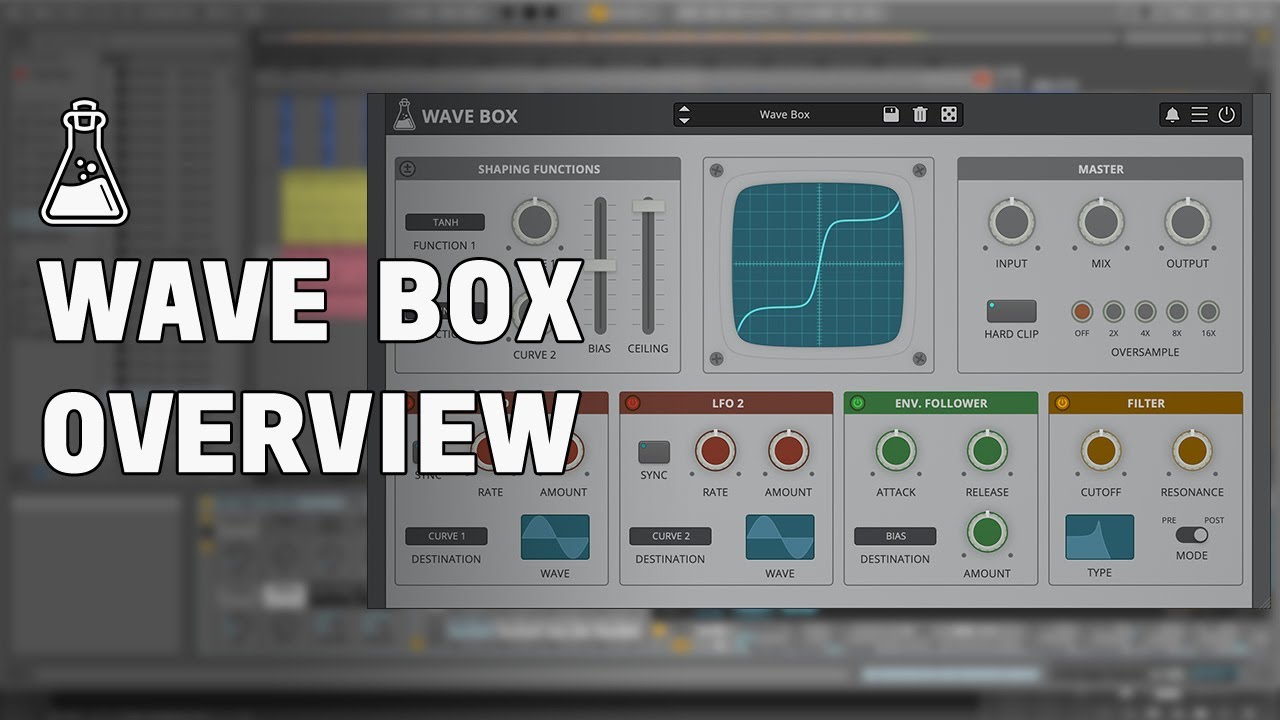
Listen to audio demos
Symmetrical vs Asymmetrical
When a shaping function is applied equally to both the positive and negative part of the signal (symmetrical waveshaping), odd harmonics are generated. Instead, when a shaping function is applied only to either the positive or the negative part (asymmetrical waveshaping), even harmonics are generated.
In Asymmetrical Mode (± on), the first shaping function is applied to the positive part while the second shaping function is applied to the negative. The Bias, in this case, controls an offset added between the positive and negative part of the signal.
In Symmetrical Mode (± off), both shaping functions are applied to the whole signal. The Bias, in this case, controls the mix between the two functions.
Reviews

“Wave Box not only sounds wicked but also demonstrates impressive versatility, despite its apparently straightforward architecture. 9/10”

“Recommended for: any electronic musician, producer or mixing engineer looking for a plug-in to add some extra edge to their sounds or mangle them to oblivion in a straightforward way. 4.5/5”
Also available on iOS
Wave Box is available for iPhone and iPad on the App Store, as a AUv3 plugin and Standalone (IAA).
Download on theApp Store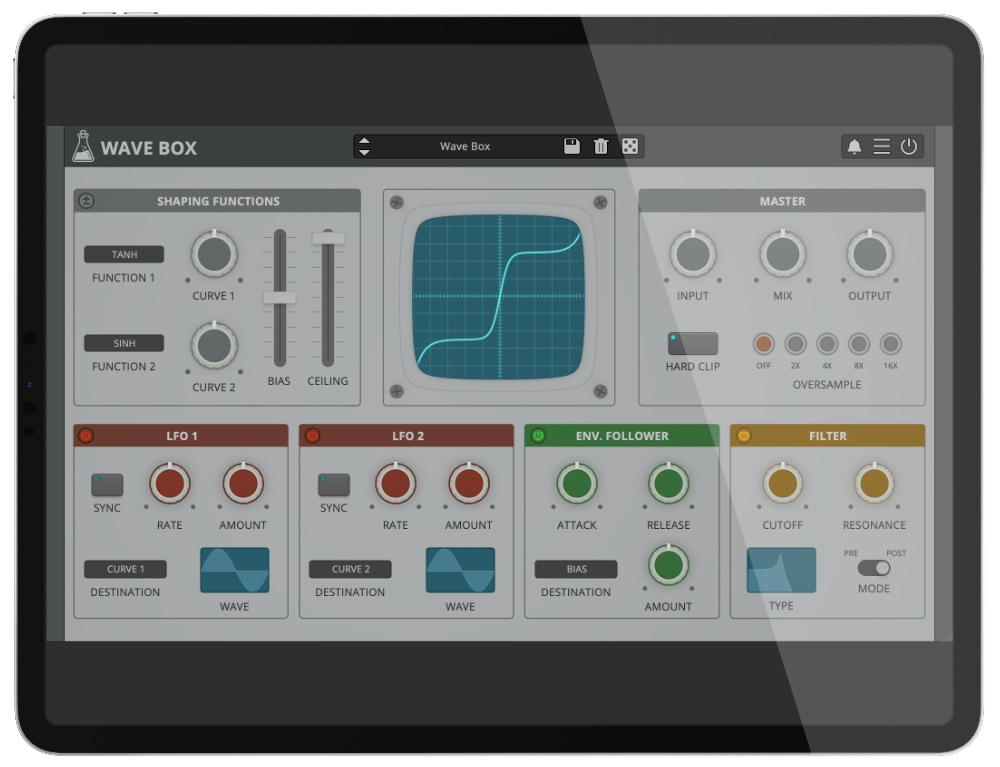
Wave Box Demo
Try Wave Box for free with some limitations: silence for 3 seconds every 45 seconds, saving disabled.
If you like it, you can purchase a license and then authorize the demo version.
Requires macOS 10.13 or higher
AU, VST2, VST3, AAX, CLAP (64bit only)
Requires Windows 7 or higher
VST2, VST3, AAX, CLAP (64bit only)
Requires Ubuntu 20.04 or newer
VST2, VST3, CLAP (64bit only)
macOS
Requires macOS 10.13 or higher
AU, VST2, VST3, AAX, CLAP (64bit only)
Download demoWindows
Requires Windows 7 or higher
VST2, VST3, AAX, CLAP (64bit only)
Download demoLinux
Requires Ubuntu 20.04 or newer
VST2, VST3, CLAP (64bit only)
Download demoSpecifications
- 2 Waveshapers
- 12 Shaping Functions
- 2 LFOs
- Envelope Follower
- Filter (LP, BP, HP, Notch)
- Oversample up to 16x
- Resizable Window
- Brightness and Contrast Controls
- Preset system with randomizer
System Requirements
Windows
Windows 7 – 11
2GHz CPU, 4 GB RAM
VST2, VST3, AAX, CLAP (64-bit)
macOS
macOS 10.13 – macOS 15
2GHz CPU, 4 GB RAM
VST2, VST3, AU, AAX, CLAP (64-bit)
Universal 2 Binary
Linux
Ubuntu 20.04 LTS
2GHz CPU, 4 GB RAM
VST2, VST3, CLAP (64-bit)
Changelog
v1.5.3 2025/05/15
- Added: Graphics Controls (Brightness and Contrast)
- Added: macOS 15 Sequoia support
- Fixed: Online Activation on Windows
v1.5.2 2023/11/07
- Added: CLAP plugin format
- Added: macOS 14 Sonoma support (Universal 2 Binary)
- Added: Linux VST2, VST3, CLAP plugin formats
- Added: Windows 11 support
- Added: AAX Silicon Support
- Improved: CPU and memory usage
- Fixed: AU validation random crash
- Fixed: Latency compensation filtering Dry signal when Oversampled
v1.5.1 2022/10/06
- Added: 2 New Shaping Functions (gauss 1, gauss 2)
- Added: Soft Clipper
- Added: macOS 11 Big Sur support (Universal 2 Binary)
- Added: Light and Dark UI mode
- Added: Option to enable Accelerated GUI
- Added: Internal support for left-hand mouse users
- Improved: GUI size and loading time
- Fixed: LFO Waveforms selection (square and ramp down)
v1.5 2020/03/17
- Added: New Filter Section (LP, HP, BP, Notch)
- Added: 4 New Shaping Functions (erf, abs, invert, ceil)
- Added: 5 New Modulation Destinations (cutoff, resonance, input, mix, output)
- Added: 25 New Presets
- Added: macOS 10.15 Catalina support
- Added: VST3 plugin format
- Added: Parameter Lock
- Added: Edit Value option for Knobs
- Added: Notification System
- Added: Online Authorization Form
Copy Protection
To activate your plugin you can choose between Online and Offline authorization.
Create an account, log in through the plugin to activate, or download your license file for offline activation.
Activation
1 license up to 3 computers
No iLok
We don’t like dongles
No Internet
No connection required to activate