
Hand Clapper
808, 909, HC2, and more
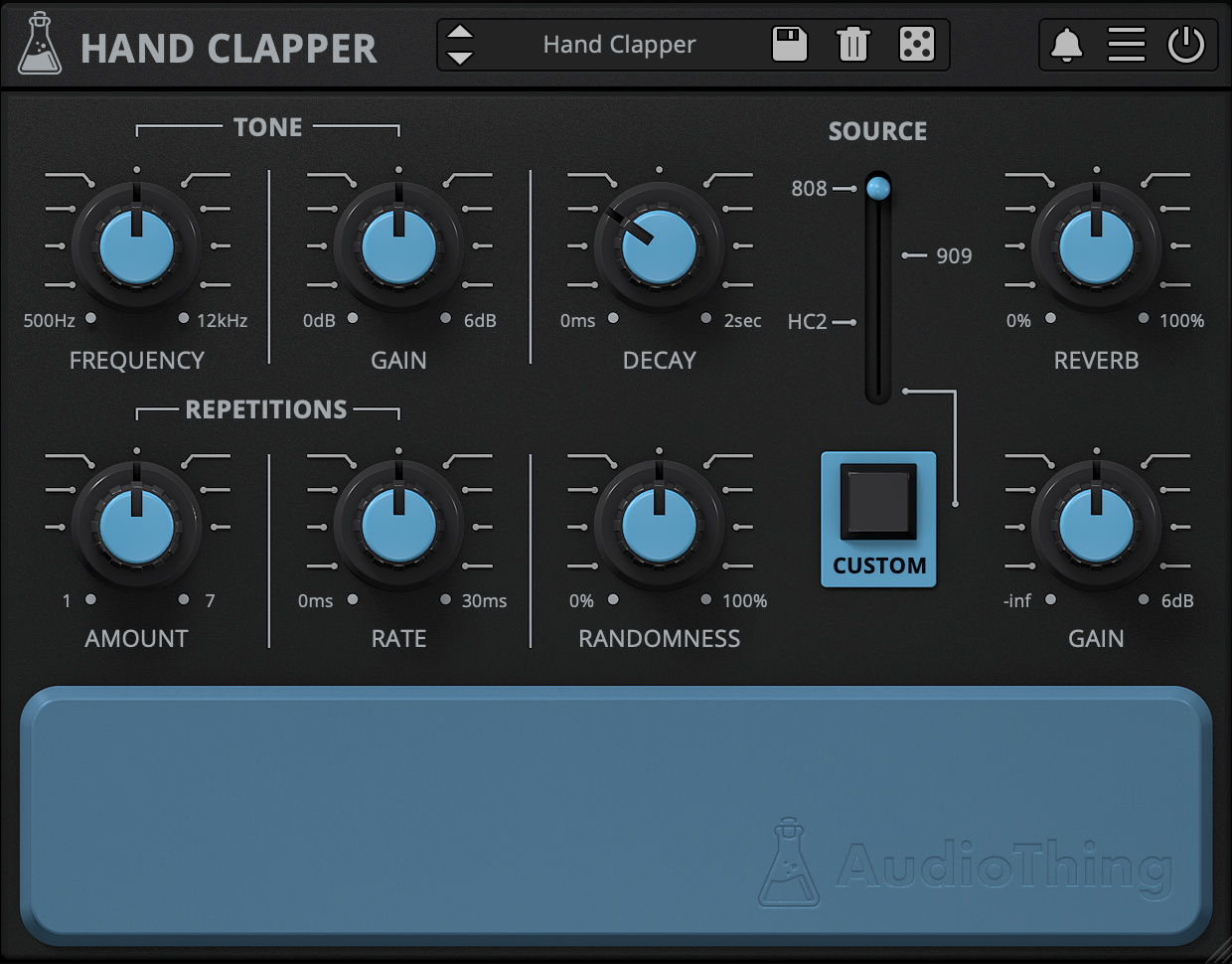
Claps Synthesizer Plugin
Hand Clapper is a drum synthesizer plugin dedicated to claps sounds.
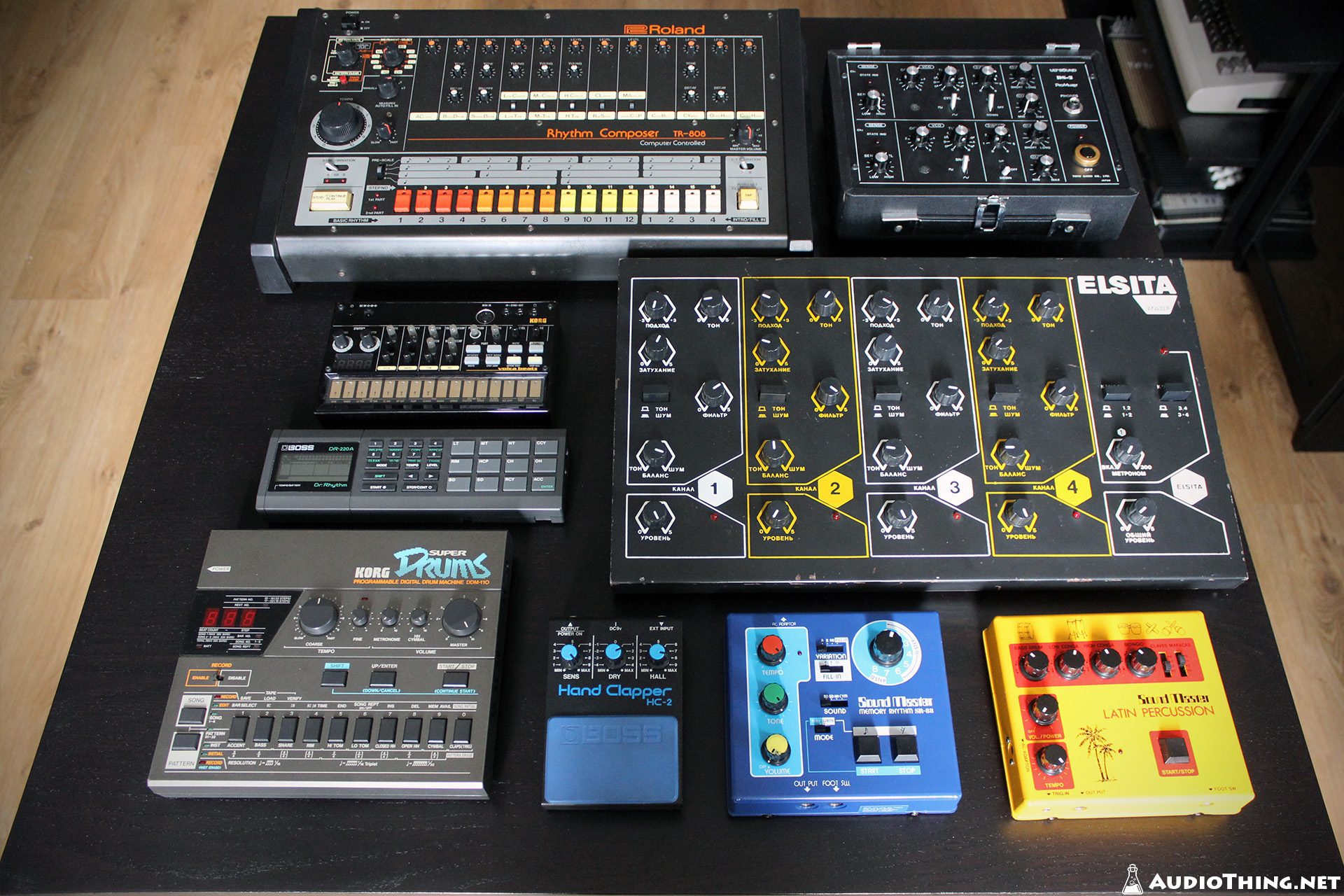
The design is inspired by a famous Japanese percussion synthesiser from the ’80. There are three internal noise sources that are used to recreate the classic sound of vintage analog drum machines (such as 808, 909, HC2, and more).
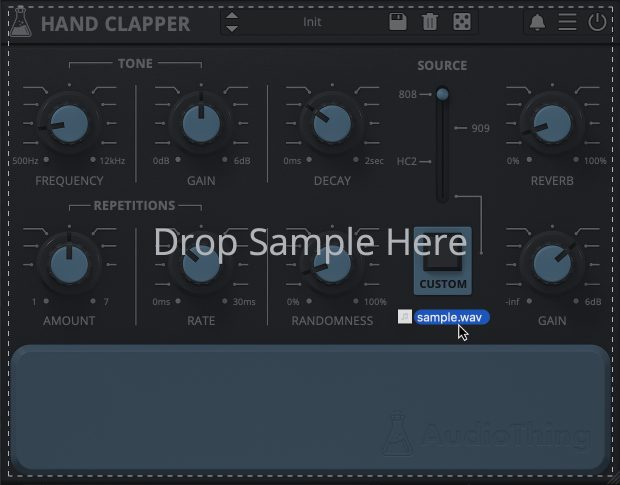
You are not limited to just the on-board sounds though, you can also load in any sample you want.
Hand Clapper is available for macOS, Windows, and Linux (VST2, VST3, AU, AAX, CLAP).
It’s also available on the App Store for iOS and iPadOS (AUv3 and Standalone).
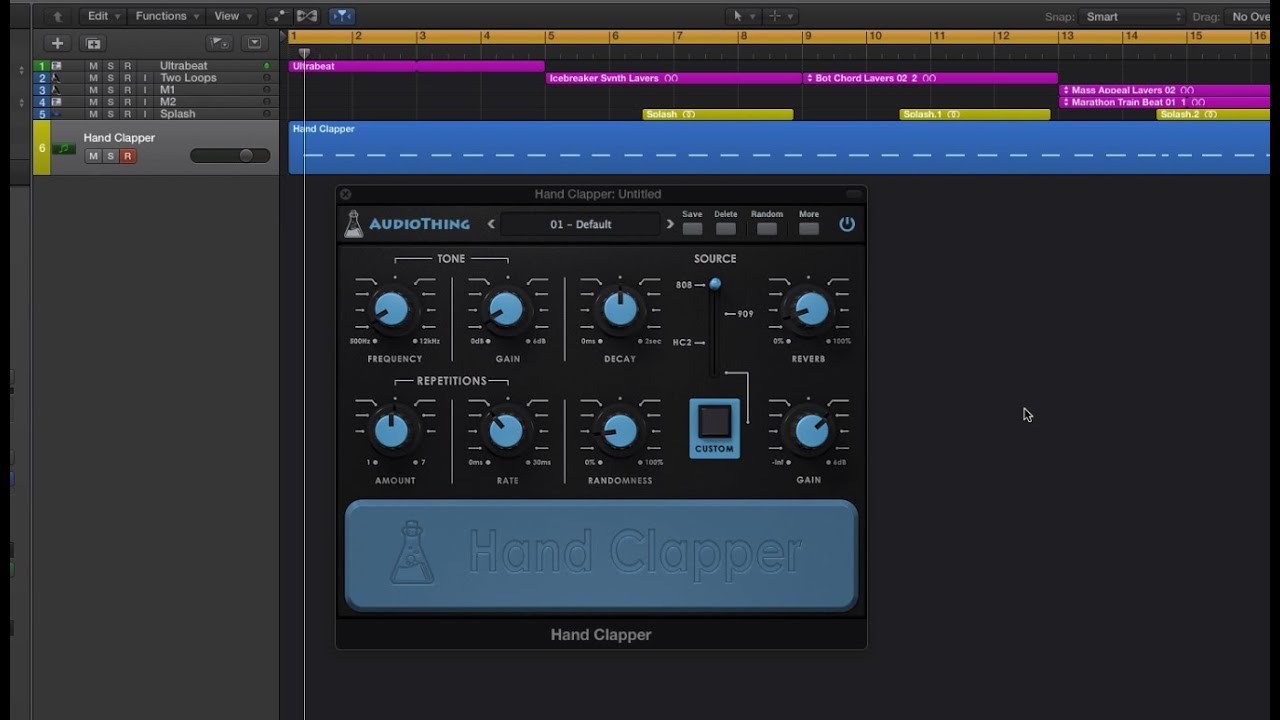
Listen to audio demos
Inspiration
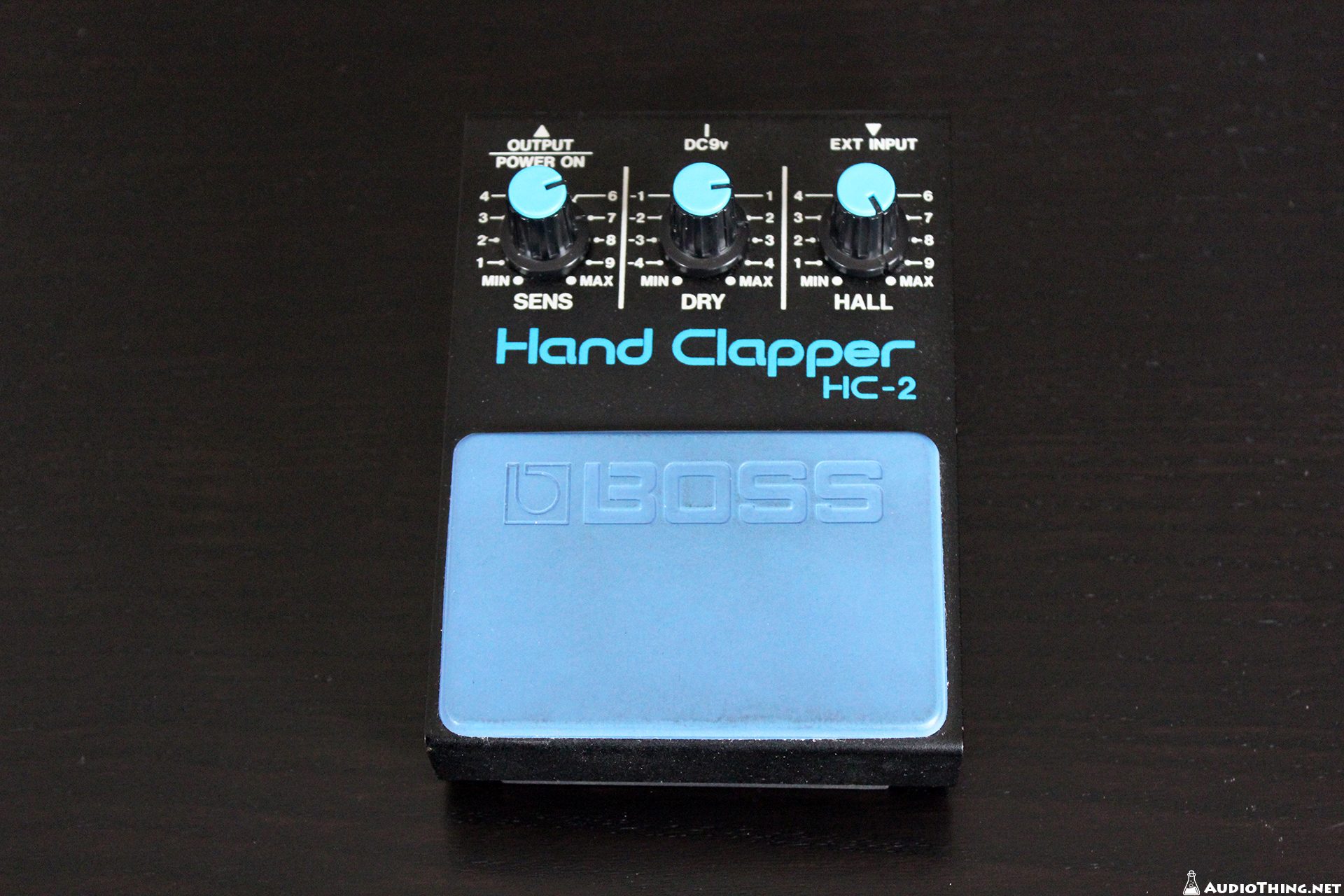
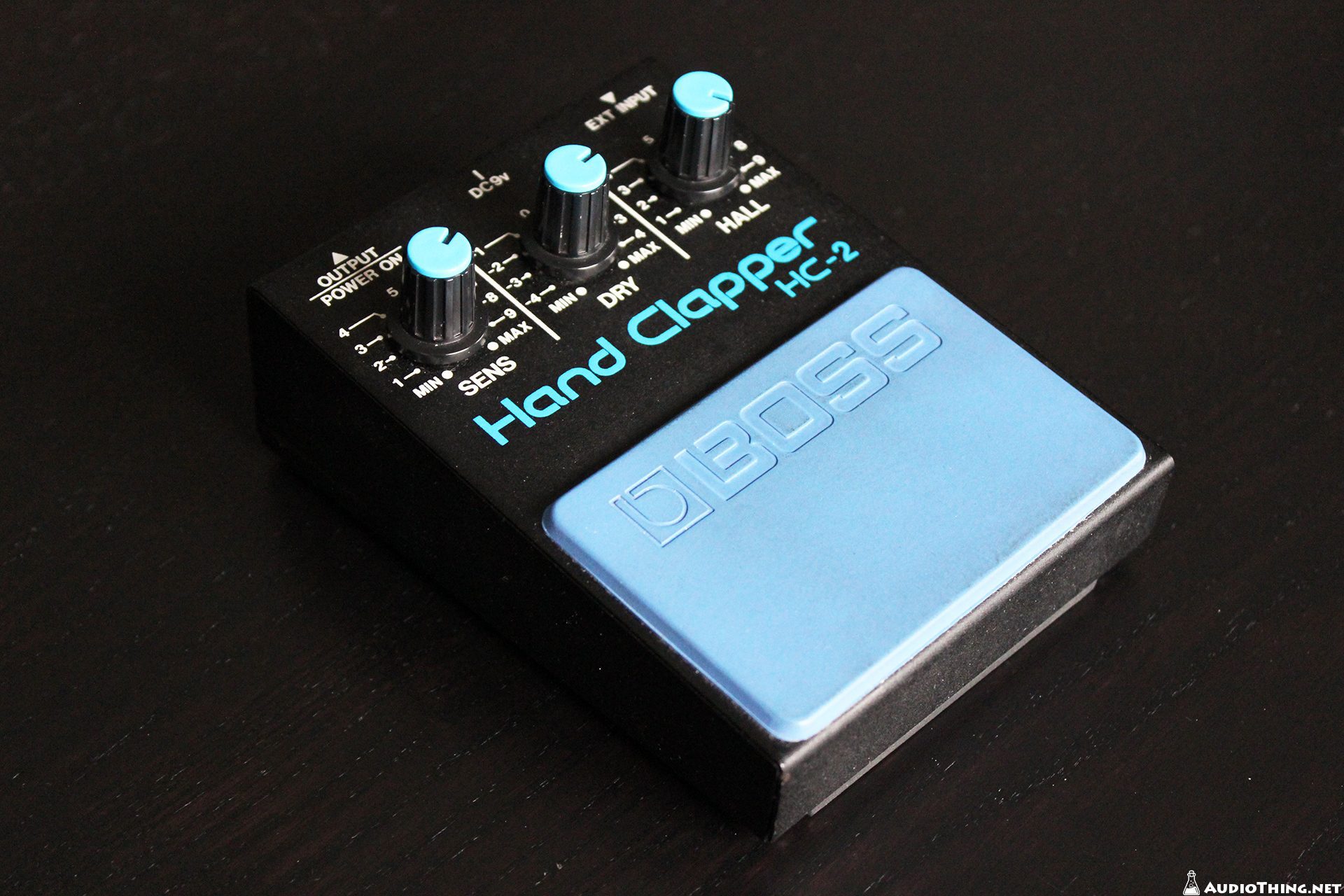
Inspired by the classic Boss HC-2 pedal, the raison d’être of “Hand Clapper” is the generating of handclaps. Out of the box it comes with 45 Factory Presets using 21 custom analog samples taken from several analog instruments (drum machine, analog synths, and real claps) to emulate the TR-808 and TR-909, and the HC-2 itself.
Custom Samples
You are not limited to just the onboard sounds though, you can also load in any sample of your own choosing (a single WAV up to four seconds long), which can lead to some very interesting results with a little experimentation. Try using synth shots, piano noises or vocals for example!
Reviews

“Hand Clapper couldn’t be easier to use, which makes it both productive and fun; but more importantly, it sounds truly wicked, perfectly capturing the spirits of the vintage machines at its heart. and doing crazy things to external samples.”
Also available on iOS
Hand Clapper is available for iPhone and iPad on the App Store, as a AUv3 plugin and Standalone (IAA).
Download on theApp Store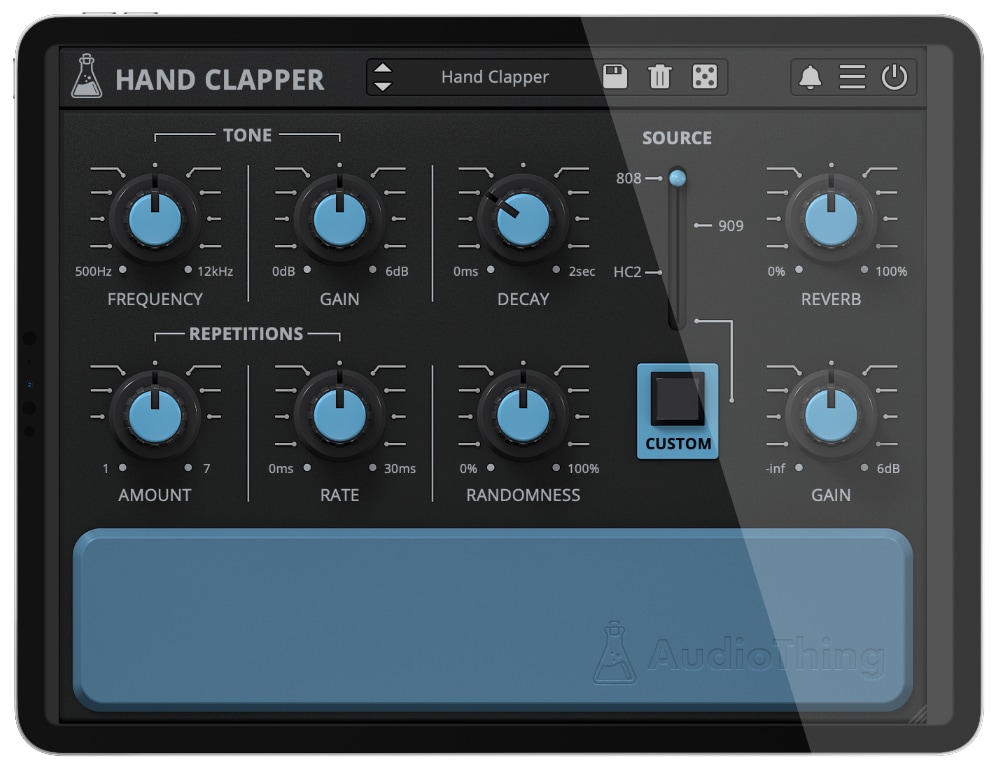
Hand Clapper Demo
Hand Clapper is available for iPhone and iPad on the App Store, as a AUv3 plugin and Standalone (IAA).
Try Hand Clapper for free with some limitations: silence for 3 seconds every 45 seconds, saving disabled.
If you like it, you can purchase a license and then authorize the demo version.
Requires macOS 10.9 or higher
AU, VST2, VST3, AAX, CLAP (64bit only)
Requires Windows 7 or higher
VST2, VST3, AAX, CLAP (64bit only)
Requires Ubuntu 20.04 or newer
VST2, VST3, CLAP (64bit only)
macOS
Requires macOS 10.9 or higher
AU, VST2, VST3, AAX, CLAP (64bit only)
Download DemoWindows
Requires Windows 7 or higher
VST2, VST3, AAX, CLAP (64bit only)
Download DemoLinux
Requires Ubuntu 20.04 or newer
VST2, VST3, CLAP (64bit only)
Download DemoSpecifications
- 4 sources: 808, 909, HC2, Custom
- 48 Factory Presets
- 24 Factory Samples from vintage gear
- Tone bandpass/peak filter
- Vintage Reverb
- Brightness and Contrast Controls
- Preset system with randomizer
System Requirements
Windows
Windows 7 – 11
2GHz CPU, 4 GB RAM
VST2, VST3, AAX, CLAP (64-bit)
macOS
macOS 10.13 – macOS 26
2GHz CPU, 4 GB RAM
VST2, VST3, AU, AAX, CLAP (64-bit)
Universal 2 Binary
Linux
Ubuntu 20.04 LTS
2GHz CPU, 4 GB RAM
VST2, VST3, CLAP (64-bit)
Changelog
v1.5.3 2026/01/22
- Added: New Export to WAV feature
- Added: macOS 26 Tahoe support
- Added: Graphics Controls (Brightness and Contrast)
- Added: Option to use Global Settings
- Improved: Pad now sends Velocity and Pitch
v1.5.2 2023/04/25
- Added: macOS 13 Ventura support
- Added: Windows 11 support
- Added: Linux VST2, VST3, CLAP plugin formats
- Improved: CPU and memory usage
- Improved: Triggering notes faster when clicking on the pad
- Fixed: Custom sample path saved with relative path for new presets
- Fixed: Random mute while recalling Live, Cubase, or Bitwig projects on macOS
v1.5.1 2022/01/13
- Added: 3 new presets and 3 new samples
- Added: macOS 12 Monterey support (Universal 2 Binary)
- Added: Option to disable Round Robin
- Added: Internal support for left-hand mouse users
- Added: Light and Dark UI mode
- Added: Option to enable Accelerated GUI
- Improved: Round Robin Consistency
- Improved: Source labels can now be clicked
- Removed: Legacy feature “Bounce to file”
- Fixed: Samplerate not updating correctly
- Fixed: Parameter locks not recalling properly when loading saved projects
v1.5 2020/12/16
- Added: macOS 10.15 Catalina support
- Added: VST3 plugin format
- Added: 11 new presets and 6 new samples
- Added: Parameter Lock
- Added: Edit Value option for Knobs
- Added: Notification System
- Added: Online Authorization Form
- Added: Global option – Resizable Window
- Improved: New GUI with support for Retina/HiDPI displays
- Improved: CPU and memory usage
- Fixed: Bounce to file length bug
v1.2.1 2017/01/24
- Fixed Custom Sample Name not showing on some DAW
- Added One Shot mode and fixed attack/release clicks
- Improved CPU performance
v1.2.0 2016/09/15
- 4 new presets/samples from two 80s digital drum machines
- The GUI now shows the file name of the custom sample when moving the mouse over the Load Button
- Browse through the samples in the Custom Sample Folder using Left and Right arrow keys (only when Custom is selected)
- Improved limiter (soft clip instead of hard clip)
v1.1.2 2016/03/05
- Custom Samples and Reverb section now fully stereo
- Added options to set/open the Custom Sample Folder
- Fixed a very rare bug that might cause random clicks/pops
- Fixed missing sample error that might crash some hosts
v1.1.0 2016/01/15
- 11 new presets with 11 custom samples from analog gear
- Added 3 velocity curves (soft, linear, hard)
- Custom samples can now be dragged and dropped onto the GUI
- Custom samples can now be saved to the preset folder
- Unloading custom samples is now possible
- Fixed Release on very fast notes
Copy Protection
To activate your plugin you can choose between Online and Offline authorization.
Create an account, log in through the plugin to activate, or download your license file for offline activation.
Activation
1 license up to 3 computers
No iLok
We don’t like dongles
No Internet
No connection required to activate