
Fog Convolver 2
Creative Convolution
True Stereo Convolution
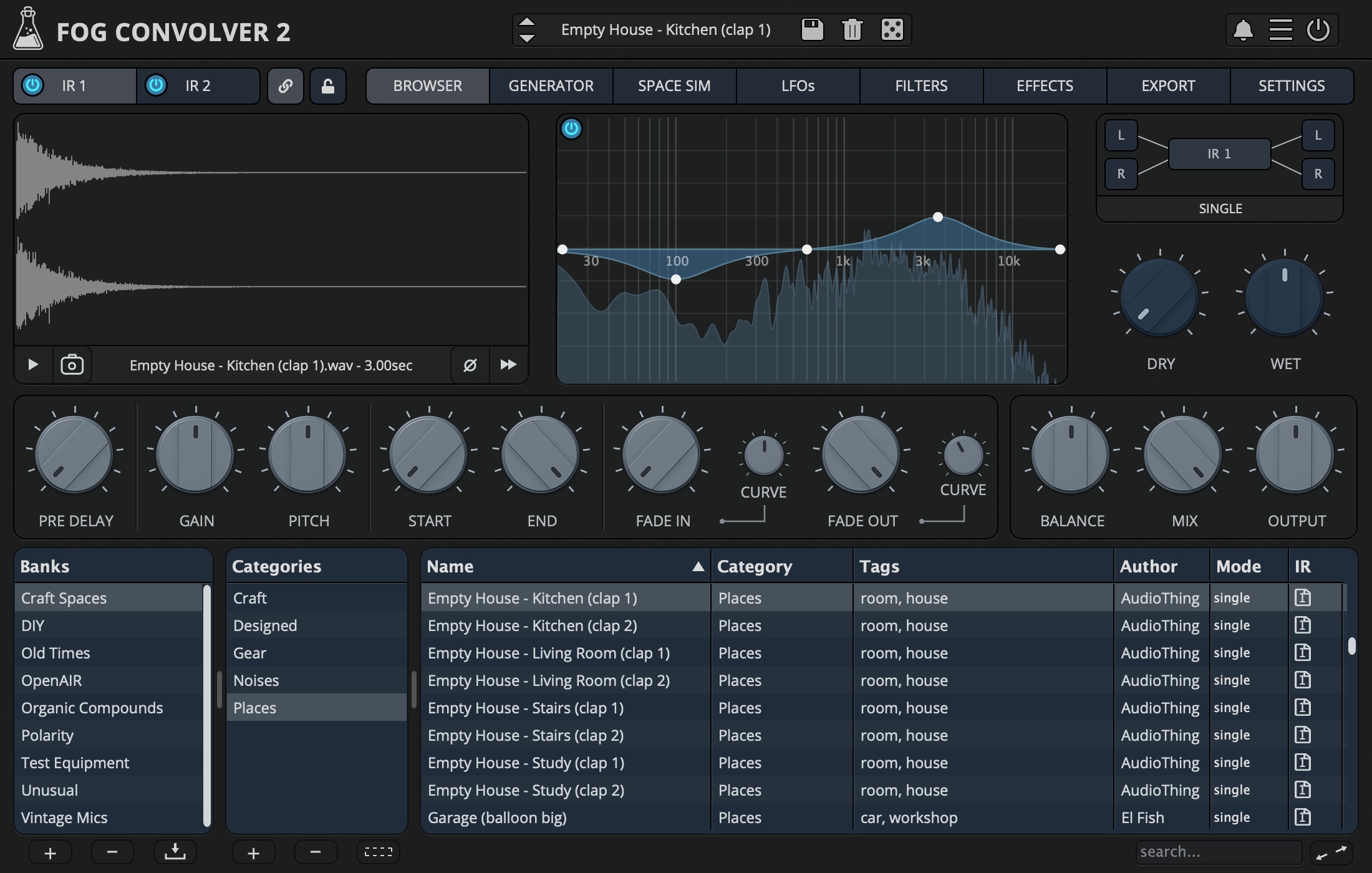
Fog Convolver 2 is a true stereo convolution reverb/processor plugin. This new version has been rewritten and redesigned from scratch, and now features modulation, effects, a space simulator, an impulse response generator, and a lot of improvements and new features.
You can now load 2 separate impulse responses (or one true stereo/quad channel impulse response) and have separate or linked controls for both. There are 6 different routing modes to arrange the impulses: single, serial, parallel, parallel mix, true stereo, and mid/side.
Each impulse can have 2 LFOs, with 10 waveforms and 18 destinations, one dedicated multi-mode filter (with pre, IR, or post modes), and a 5-band graphic EQ.
Fog Convolver features 9 factory banks with more than 740 impulse responses made from spaces, analog and digital equipment, organic sources, handmade devices, and more.
Fog Convolver 2 is available for macOS, Windows, and Linux (VST2, VST3, AU, AAX, CLAP).
Easy Drag and Drop
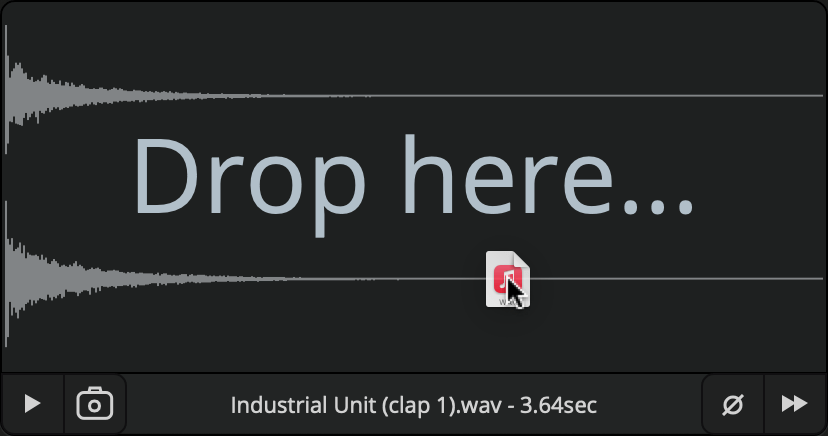
You can easily load any audio file (WAV, AIFF, or FLAC) into Fog Convolver with a simple Drag and Drop, or by using the built-in browser. If you drag two files, they will be assigned to IR1 and IR2.
True Stereo
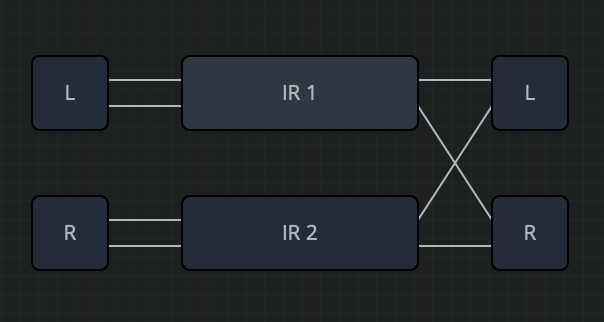
There are several modes to combine one or two impulse responses in Fog Convolver 2: Single, Serial, Parallel, Parallel Mix, and True Stereo.
True Stereo impulses are usually recorded simultaneously to capture a better stereo image, but you can also use two unrelated IRs to create experimental stereo reverbs.
Space Simulator
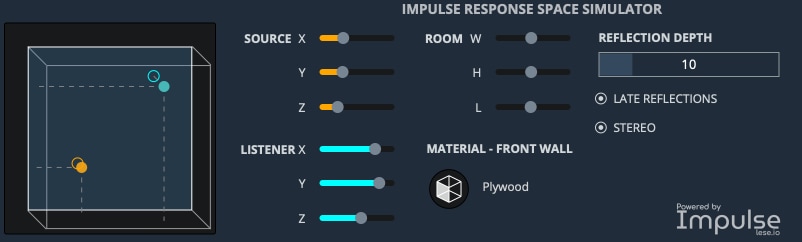
With the Space Simulator you can create impulse responses of virtual rooms. You can change dimensions, manually place the source and listener, and experiment with combinations of materials on each of your six walls to simulate architectural acoustics.
Powered by Lese Audio Technologies.
Impulse Generator
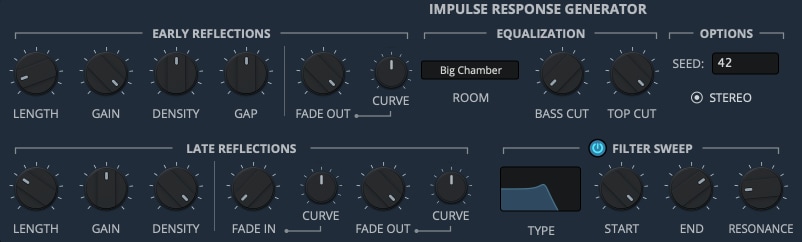
As an alternative to the Space Simulator, you can use the built-in impulse response generator to create your own artificial spaces, with a more synth-like approach. Select the parameters for the early and late reflections, choose a filter sweep, and add equalization on the final impulse.
Export
The Export page lets you render the current impulse response to an audio file. You can choose sample rate, bit depth, and file format, apply gain options such as Auto Gain or Normalize, define start and end points, trim silence, and control filename and overwrite behavior before exporting.

9 Banks

Craft Spaces
Reverbs of all kinds, from real acoustic spaces and rooms to early digital effect processors, including noise sources from vintage synths.
211 Impulses
DIY
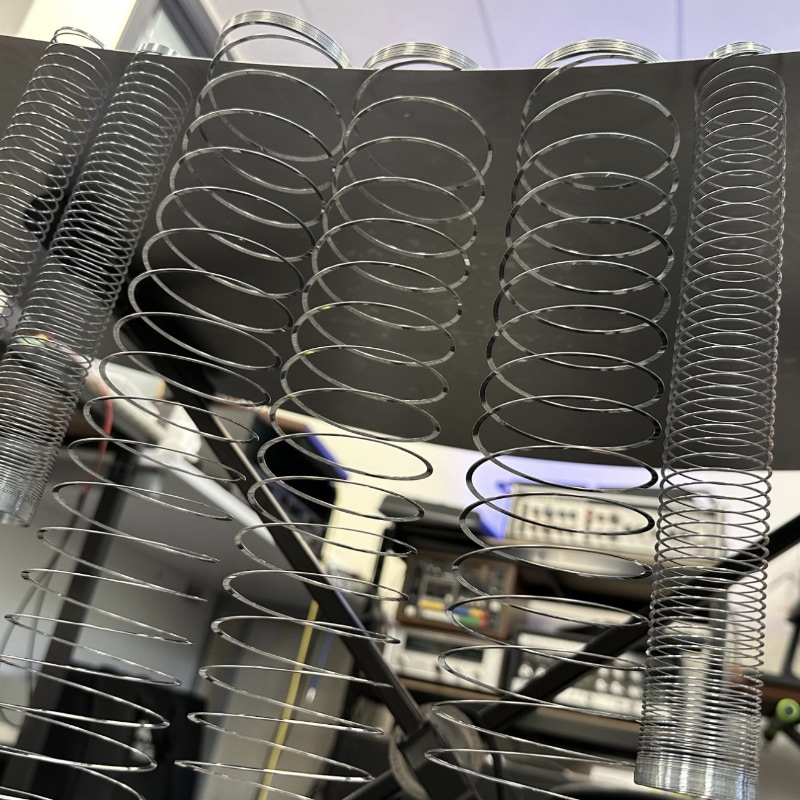
A collection of custom-built spring and plate reverbs, resonators, and a variety of hand-made acoustic reverberators and delays.
48 Impulses
OpenAIR
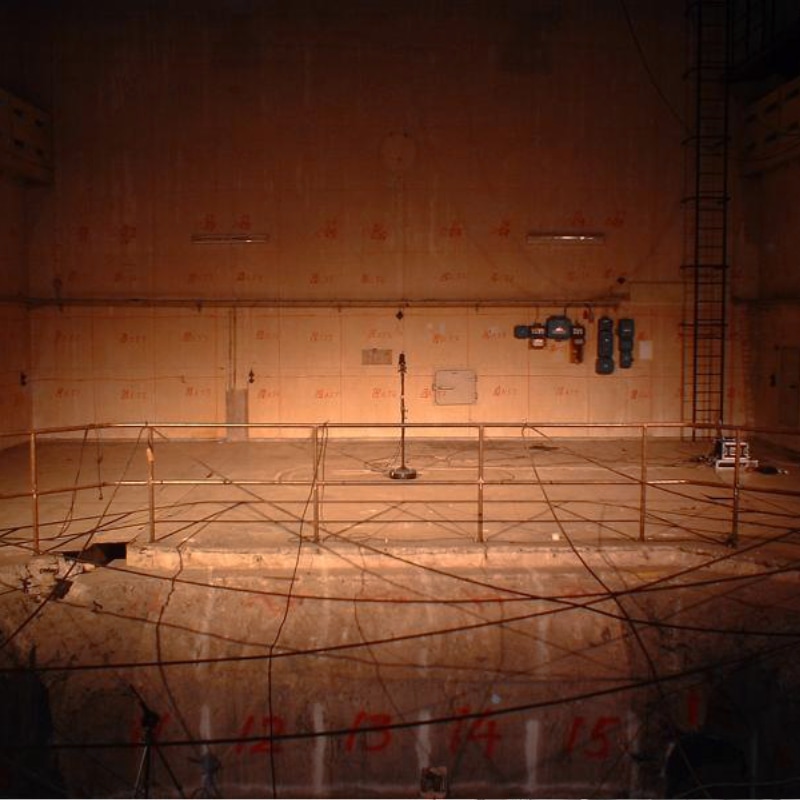
A selection of impulse responses from the OpenAIR database, including Churches, Halls, Chambers, and an old Nuclear Reactor.
83 Impulses

Organic Compounds
Structures were detected using Nuclear magnetic resonance (NMR) spectroscopy to obtain physical, chemical, electronic, and structural information about molecules.
45 Impulses

Polarity
Custom impulse responses made by “Bitwig Guru” Polarity using white noise, Dirac samples, granulators, and many many modulations.
67 Impulses
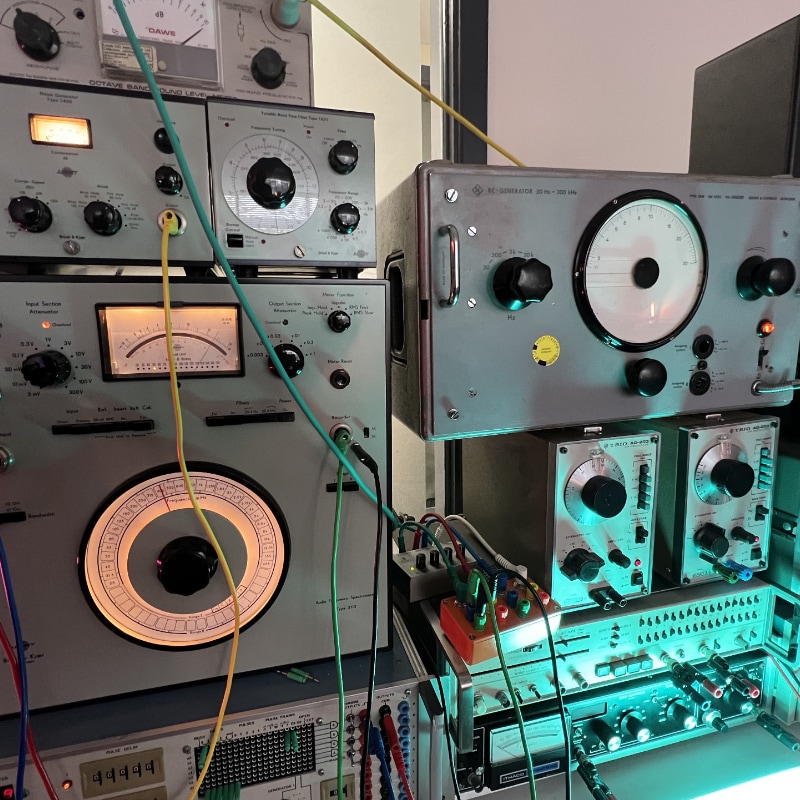
Test Equipment
Noise, glitch, and tone impulse responses made using only test equipment (Hainbach style!).
53 Impulses

Unusual
As the name implies, all kinds of objects, instruments, electronics, and organic samples used to create spaces, echoes, drones, and unique tones.
128 Impulses
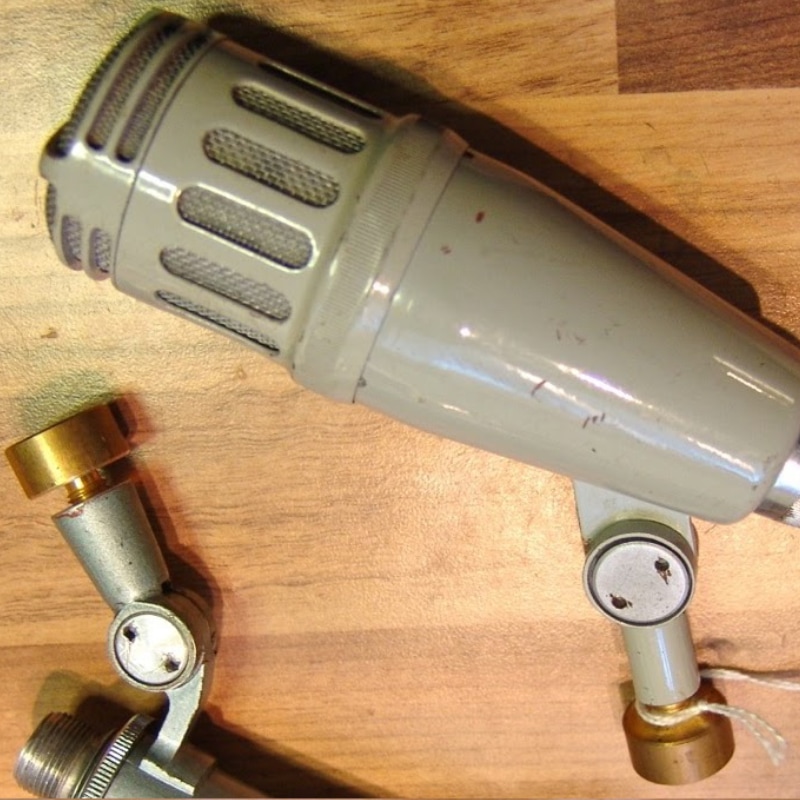
Vintage Mics
Impulse responses of vintage microphones from 20 manufacturers. Mostly ribbon microphones from the 30s to the 70s.
Courtesy of the Microphone Impulse Response Project.
65 Impulses
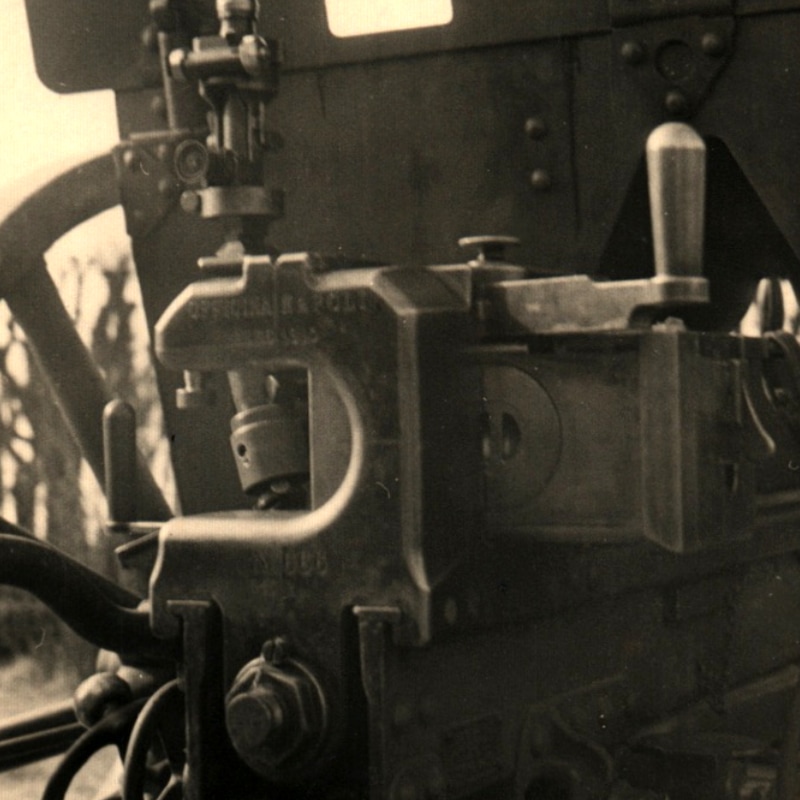
Old Times
Impulse responses from old public domain recordings divided into 4 categories: 78 RPM, NASA, Radio, and Wax Cylinders. Most of the samples come from the Internet Archive.
40 Impulses
How does Convolution work?
Convolution works by applying the sonic character of an impulse response to another sound in real-time. You can use Fog Convolver to add reverberation, create special effects, and apply an acoustic impulse captured from audio equipment.
An impulse response is a recording of the output caused by an acoustic space or electronic gear when an impulse is played (electric spark, starter pistol shot, board clapping, or the bursting of a balloon).
Snapshot System
Fog Convolver includes a Snapshot System, enabling you to save the plugin’s current settings into any of the available slots for quick recall. These snapshots are stored within the DAW session and each instance of the plugin has its own independent set of snapshots.
You can automate snapshot changes directly through the Snapshot parameter in your DAW, allowing for seamless transitions between saved states.
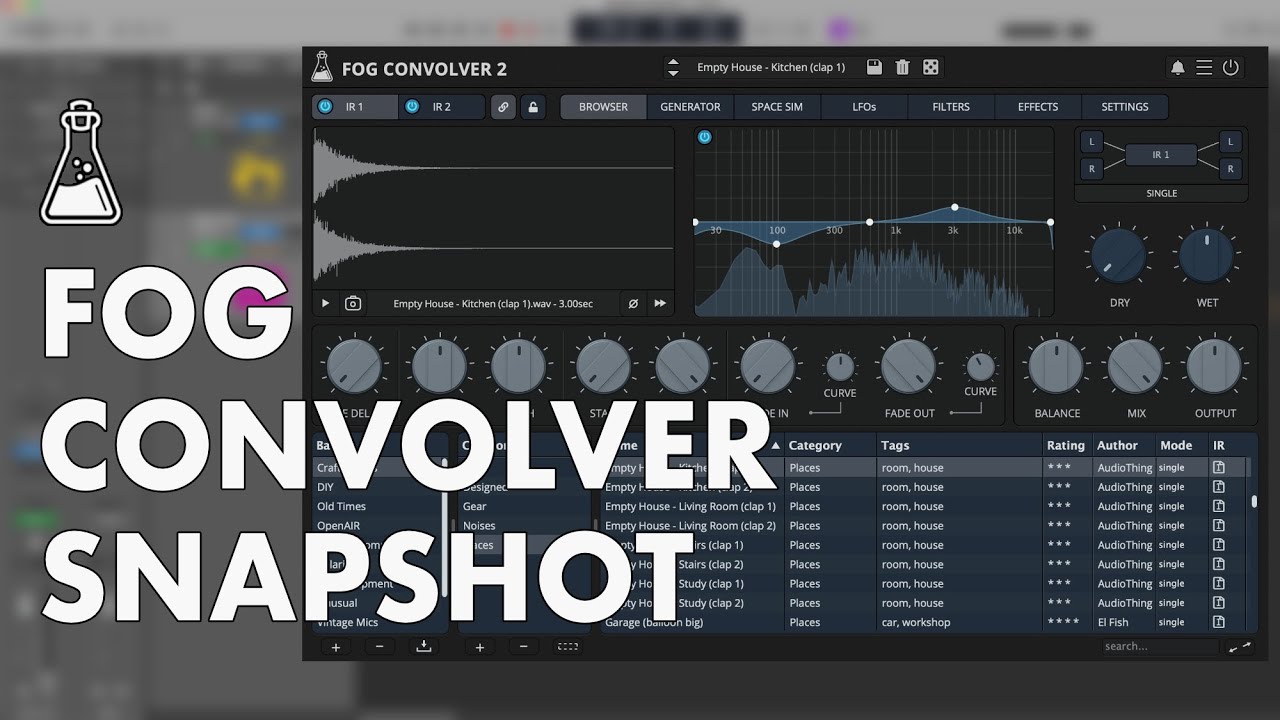
Fog Convolver 2 Demo
Try Fog Convolver 2 for free with some limitations: limited selections of IRs, silence for 3 seconds every 2 minutes, saving disabled.
It’s not possible to authorize the demo version, you’ll find the full version installer in your user area.
macOS
Requires macOS 10.13 or newer
AU, VST2, VST3, AAX, CLAP (64bit only)
Download demoWindows
Requires Windows 7 or newer
VST2, VST3, AAX, CLAP (64bit only)
Download demoLinux
Requires Ubuntu 20.04 or newer
VST2, VST3, CLAP (64bit only)
Download demoSpecifications
- Lightweight Real-Time Convolution Engine
- 6 Modes including True Stereo
- Dual IR Engine with Parameter Link
- 4 LFOs with multiple destinations
- 2 Multi-mode Filters
- Chorus, Phaser, Compressor, Waveshaper
- Impulse Response Space Simulator
- Impulse Response Generator
- Preset Browser with customizable categories, tags, ratings, …
- 740+ Impulse Responses
- Resizable Window
- Preset system with randomizer
- Snapshot system
System Requirements
Windows
Windows 7 – 11
2GHz CPU, 4 GB RAM, 1.5 GB HD
VST2, VST3, AAX, CLAP (64-bit)
macOS
macOS 10.13 – macOS 26
2GHz CPU, 4 GB RAM, 1.5 GB HD
VST2, VST3, AU, AAX, CLAP (64-bit)
Universal 2 Binary
Linux
Ubuntu 20.04 LTS
2GHz CPU, 4 GB RAM, 1.5 GB HD
VST2, VST3, CLAP (64-bit)
Changelog
v2.4 2026/02/12
- Added: Mid/Side Convolution Mode
- Added: Export Tab
- Added: Support for FLAC files
- Added: Option to right click the preview box to load a photo
- Added: Setting “Load only IR into Selected Slot”
- Added: macOS 26 Tahoe support
- Improved: Avoid resampling of IRs when not necessary
- Improved: Detection of photos embedded in the IRs
- Improved: Save window can now copy the photo if Copy Samples is selected
- Improved: When IR2 is selected, the browser asks whether to load only the IR instead of the preset
- Improved: EQ Spectrogram visuals
- Fixed: Save window reloads categories when selecting a new bank
- Fixed: Snapshot index label
- Fixed: EQ HighPass bypass when set lowest value
v2.3 2025/02/17
- Added: Snapshot System
- Added: Preset Load Buffering
- Added: More IRs to Unusual, DIY, and Test Equipment banks
- Added: Option to load IRs in different slots from the browser
- Added: macOS 15 Sequoia support
- Fixed: Impulse Response Preview wrong speed with different sample rates
- Fixed: Fixed drag and drop from browser where IR paths have wrong backslash
- Fixed: Crash on Linux when loading a preset and then closing the GUI
- Improved: Browser loading time
- Improved: Look and feel of some UI elements
v2.2 2024/01/16
- Added: Impulse Response Space Simulator
- Added: New Bank: DIY
- Added: More IRs to Unusual bank
- Added: macOS 14 Sonoma support
- Added: AAX Silicon Support
- Fixed: Path issues when moving projects between macOS and Windows
- Improved: Graphic memory usage
v2.1.1 2022/12/06
- Fixed: Some Look and Feel inconsistencies
- Fixed: LFO EQ destinations not working properly
v2.1 2022/12/02
- Added: macOS 13 Ventura support
- Added: Windows 11 support
- Added: Linux VST2, VST3, CLAP plugin formats
- Added: New setting “Mute IR when Bypassed”
- Added: New setting “Search subfolders for presets” (to improve retrocompatibility)
- Added: Banks and Categories lists resizers
- Added: Rating reset per preset
- Added: Set Author for all presets
- Added: Tooltip text to show full name and duration in the waveform monitor
- Added: Warning message before deleting a preset
- Added: More IRs to Unusual bank
- Added: Load Sample option from the Waveform (useful if Drag and Drop doesn’t work)
- Improved: Loading time for big banks
- Improved: Import window now remembers the source folder
- Improved: Importing true stereo files now checks for multiple files
- Improved: Browser configuration is now saved globally
- Improved: Top bar preset box now ignores folders with no presets
- Fixed: Crash when scrolling the browser too quickly
- Fixed: Potential issue when loading empty impulse responses
- Fixed: EQ Parameter Lock not working properly
- Fixed: Sample rate not updated correctly during bouncing in some hosts
- Fixed: Compatibility with macOS 10.11 and 10.12
v2.0 2022/07/29
- Release!
Copy Protection
To activate your plugin you can choose between Online and Offline authorization.
Create an account, log in through the plugin to activate, or download your license file for offline activation.
Activation
1 license up to 3 computers
No iLok
No dongles, no cloud
No Internet
No connection required to activate