
Things - Crusher
Bit Crusher and Filter
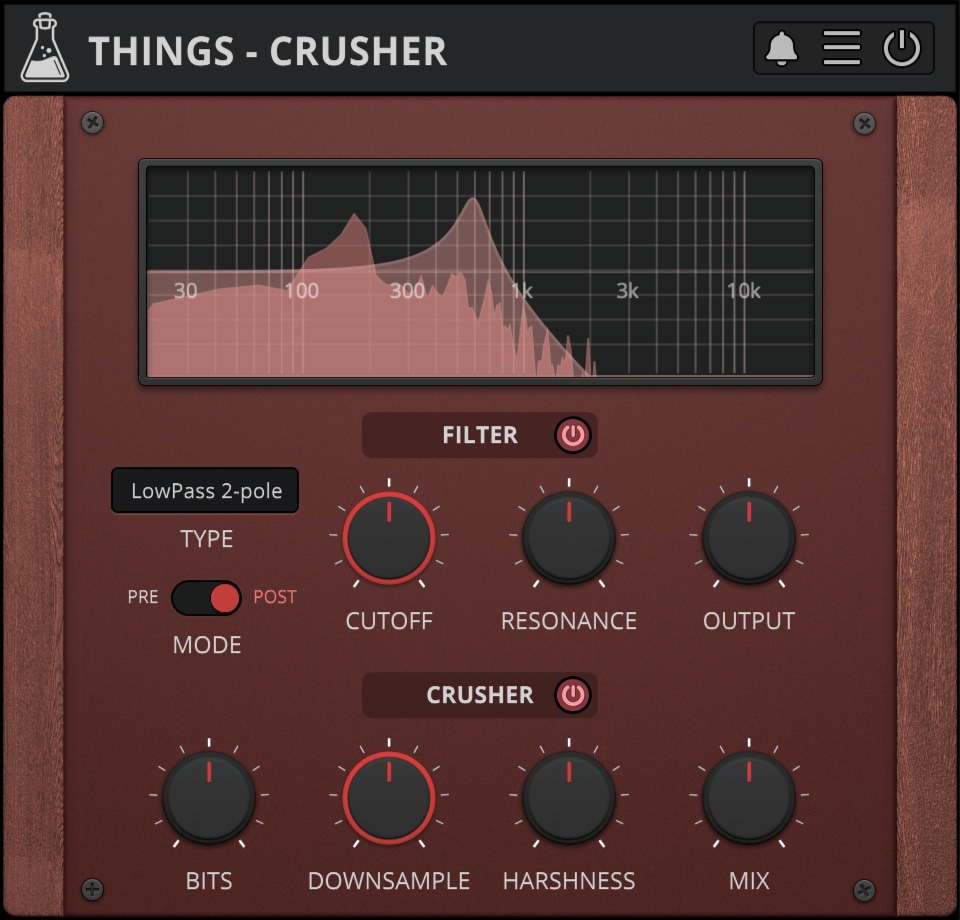
Bit Crusher and Multimode Filter
Things – Crusher is an easy-to-use Filter and Bit Crusher effect plugin. This plugin is inspired by the effect section of our instrument plugin Noises.
Crusher features a multimode filter (lowpass, highpass, bandpass, notch) with 2 or 4-pole and an output gain, along with a crisp bit crusher (bits, downsample, mix) paired with a harshness control taken from our plugin Reels.
Things – Crusher is available for macOS, Windows, and Linux (VST2, VST3, AU, AAX, CLAP).
It’s also available on the App Store for iOS and iPadOS (AUv3 and Standalone).
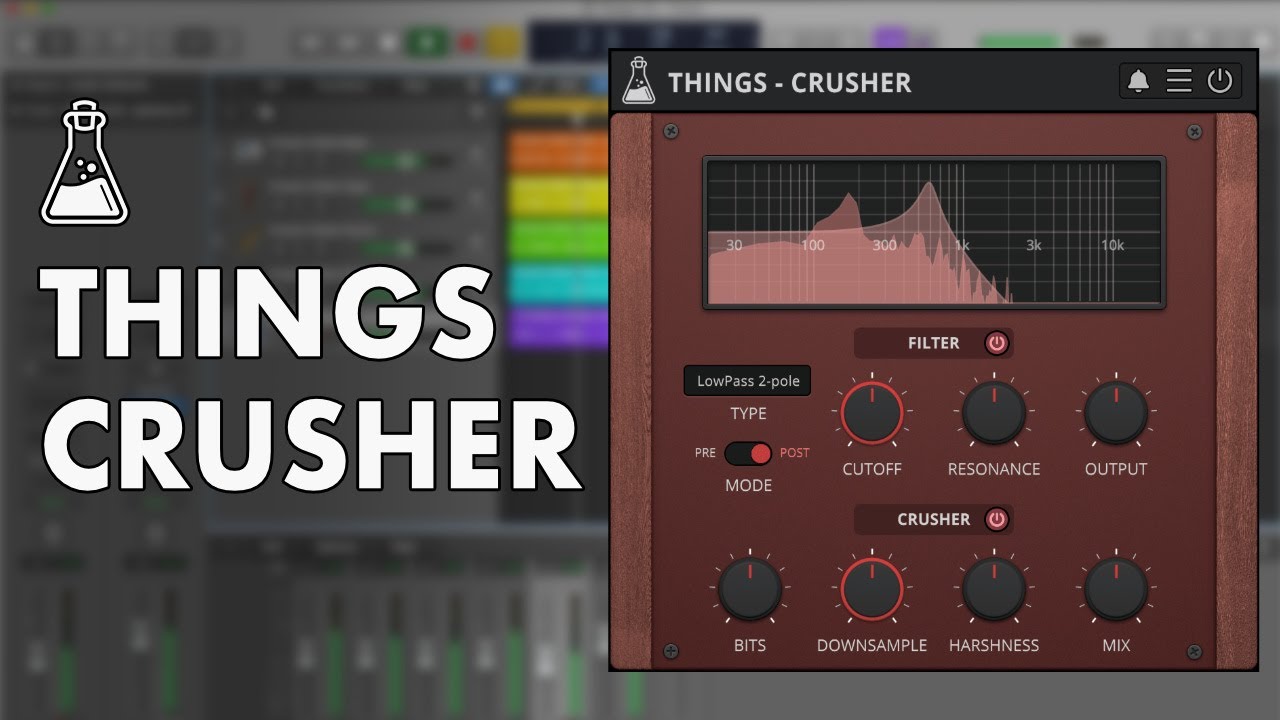
Also available on iOS
Things – Crusher is available for iPhone and iPad on the App Store, as a AUv3 plugin and Standalone (IAA).
Download on theApp Store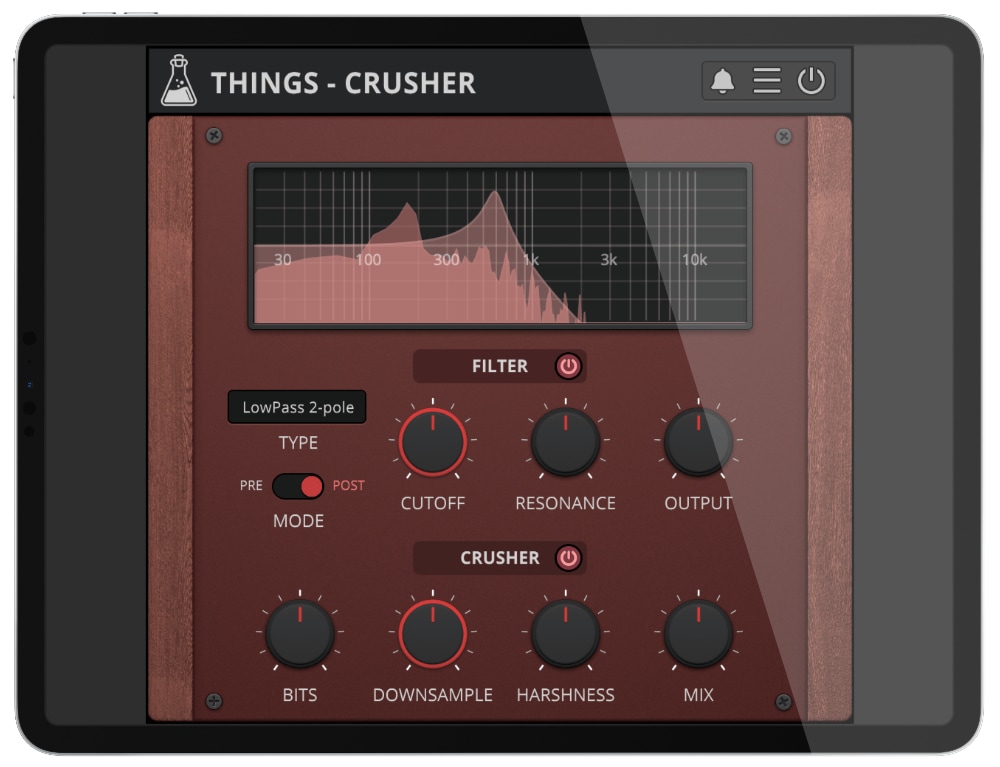
Things - Crusher Demo
Things – Crusher is available for iPhone and iPad on the App Store, as a AUv3 plugin and Standalone (IAA).
Try Things – Crusher for free with some limitations: silence for 3 seconds every 45 seconds, saving disabled.
If you like it, you can purchase a license and then authorize the demo version.
Requires macOS 10.13 or higher
AU, VST2, VST3, AAX, CLAP (64bit only)
Requires Windows 7 or higher
VST2, VST3, AAX, CLAP (64bit only)
Requires Ubuntu 20.04 or newer
VST2, VST3, CLAP (64bit only)
macOS
Requires macOS 10.13 or higher
AU, VST2, VST3, AAX, CLAP (64bit only)
Download demoWindows
Requires Windows 7 or higher
VST2, VST3, AAX, CLAP (64bit only)
Download demoLinux
Requires Ubuntu 20.04 or newer
VST2, VST3, CLAP (64bit only)
Download demoSpecifications
- Bit Crusher
- Multimode Filter
- Resizable Window
- Brightness and Contrast Controls
- Preset System with Randomizer
System Requirements
Windows
Windows 7 – 11
2GHz CPU, 4 GB RAM
VST2, VST3, AAX, CLAP (64-bit)
macOS
macOS 10.13 – macOS 26
2GHz CPU, 4 GB RAM
VST2, VST3, AU, AAX, CLAP (64-bit)
Universal 2 Binary
Linux
Ubuntu 20.04 LTS
2GHz CPU, 4 GB RAM
VST2, VST3, CLAP (64-bit)
Changelog
v1.2.2 2026/03/11
- Added: macOS 26 Tahoe support
- Improved: Graphic Memory Usage
- Fixed: Online Activation on Windows
v1.2.1 2024/10/10
- Added: Oversampling up to 16x
- Added: Graphics Controls (Brightness and Contrast)
- Added: macOS 14 Sonoma support
v1.2 2023/05/31
- Added: Linux VST2, VST3, CLAP plugin formats
- Added: Windows 11 support
- Added: macOS 13 Ventura support
- Added: AAX Silicon Support
- Added: Preset System with Randomizer
v1.1 2022/09/16
- Added: CLAP plugin format
- Improved: Filter display updates even when plugin is inactive
- Improved: CPU and memory usage
- Fixed: Popups not opening correctly with multiple instances in Logic Pro
- Fixed: Online manual link
v1.0 2022/05/02
- Release!
Copy Protection
To activate your plugin you can choose between Online and Offline authorization.
Create an account, log in through the plugin to activate, or download your license file for offline activation.
Activation
1 license up to 3 computers
No iLok
We don’t like dongles
No Internet
No connection required to activate