
SR-88
Analog Drum Machine
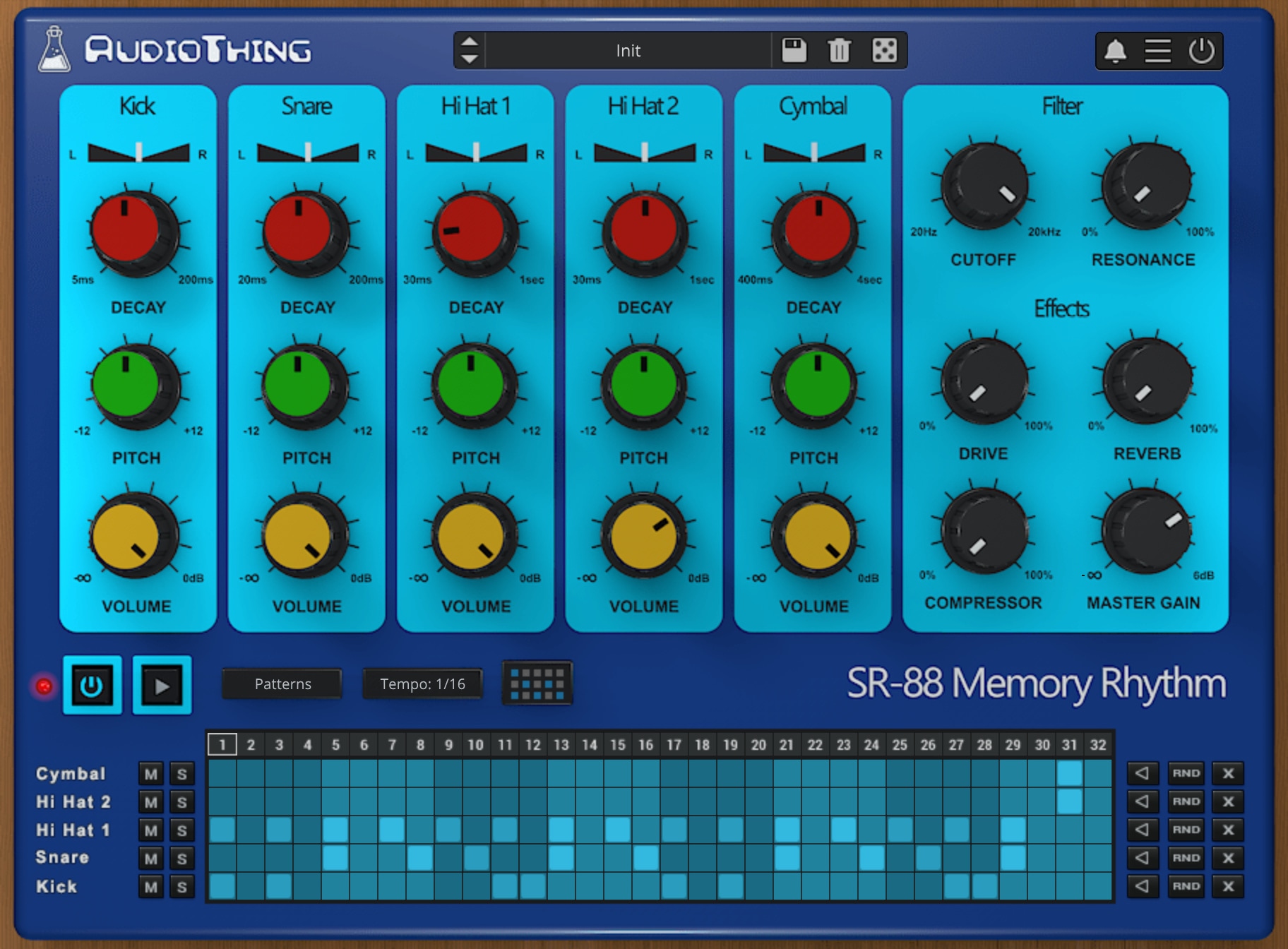
Analog Drum Machine from the 80s
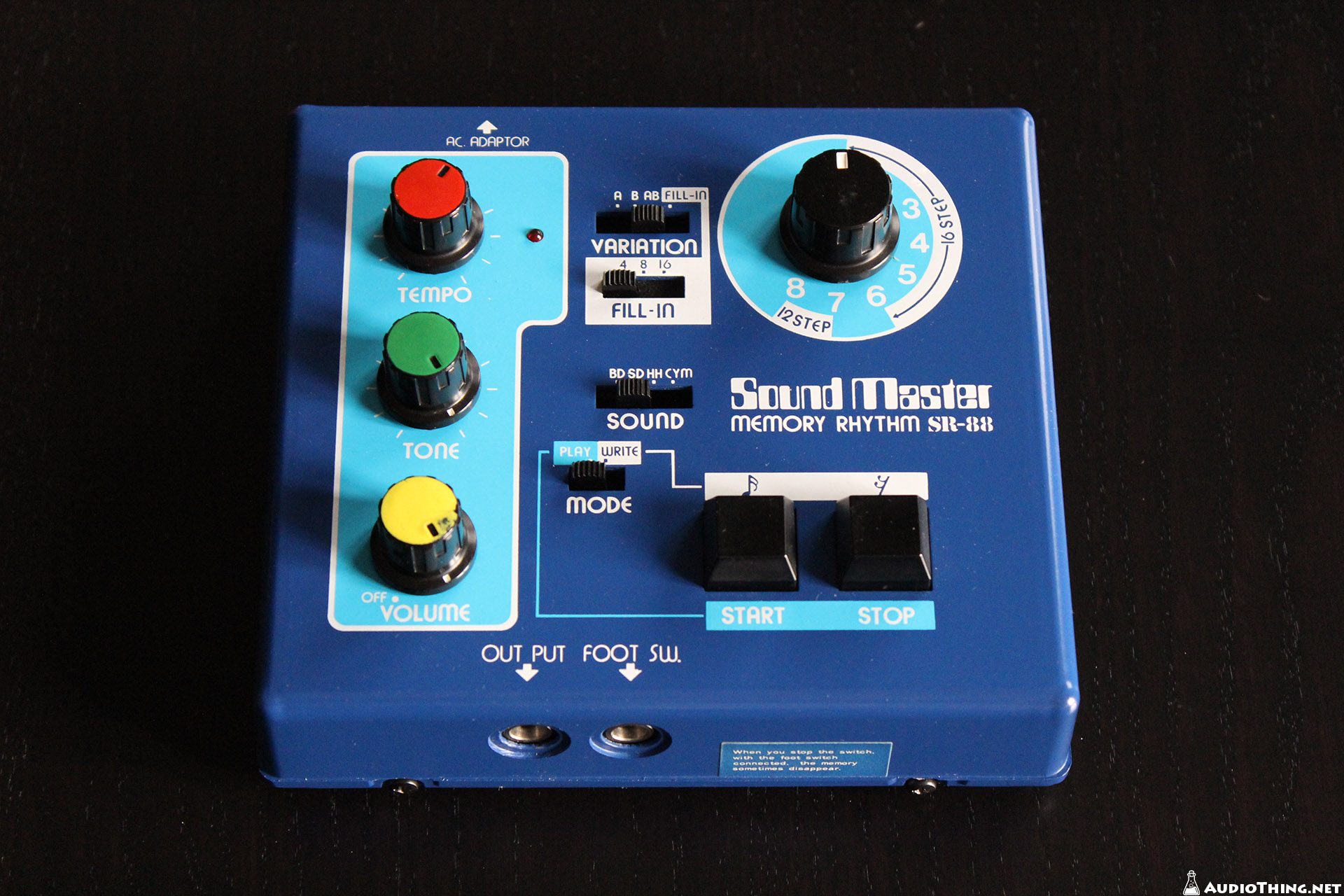
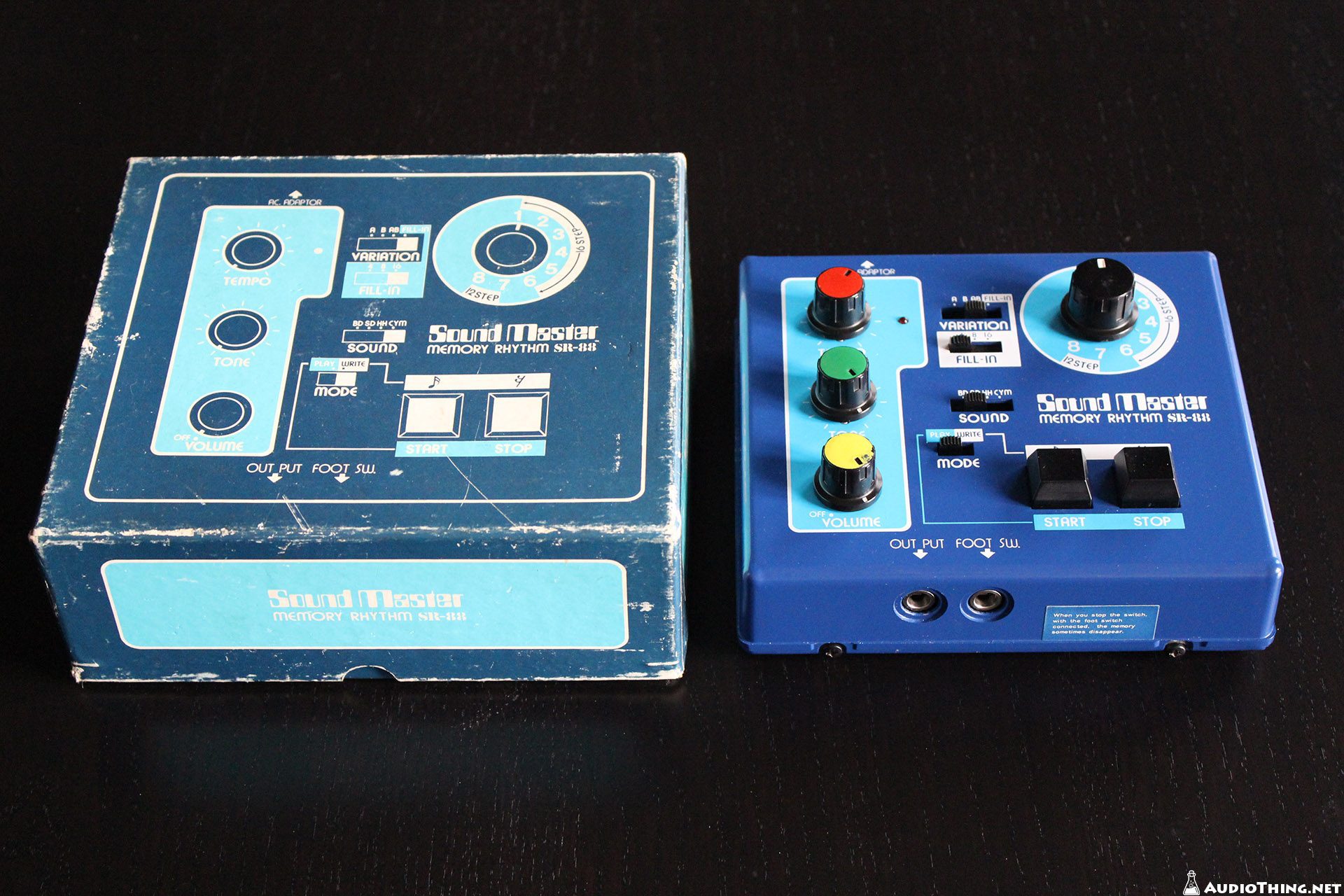
SR-88 is a sample-based plugin emulation of the Sound Master Memory Rhythm SR-88, a rare analog drum machine from the 80s.
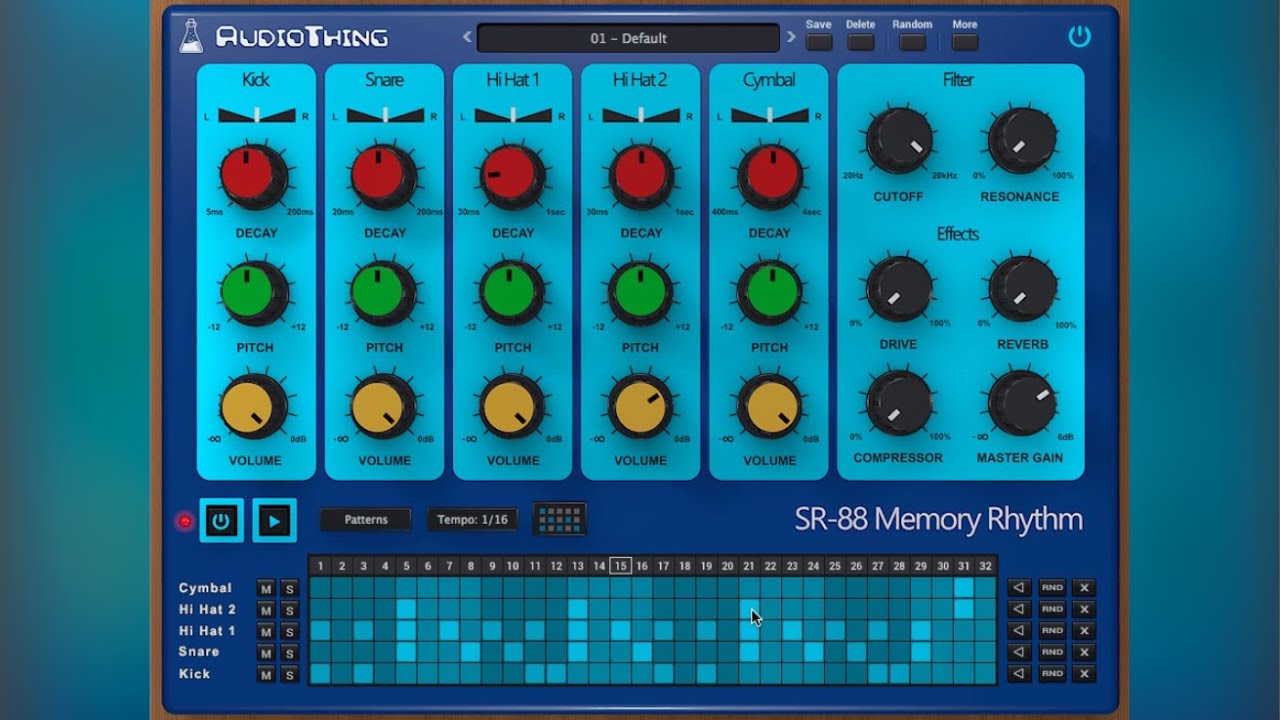
The instrument features 5 classic analog sounds: Kick, Snare, Hi Hat 1, Hi Hat 2, and Cymbal, which can be pitched, panned or mixed independently. You can additionally shape the sound with the Low Pass Filter (Zero Delay Feedback), Overdrive, Compressor and Reverb. The sequencer lets you easily build patterns that can be dragged and dropped to your DAW/host.
SR-88 is available for macOS, Windows, and Linux (VST2, VST3, AU, AAX, CLAP).
It’s also available on the App Store for iOS and iPadOS (AUv3 and Standalone).
Listen to audio demos
Also available on iOS
SR-88 is available for iPhone and iPad on the App Store, as a AUv3 plugin and Standalone (IAA).
Download on theApp Store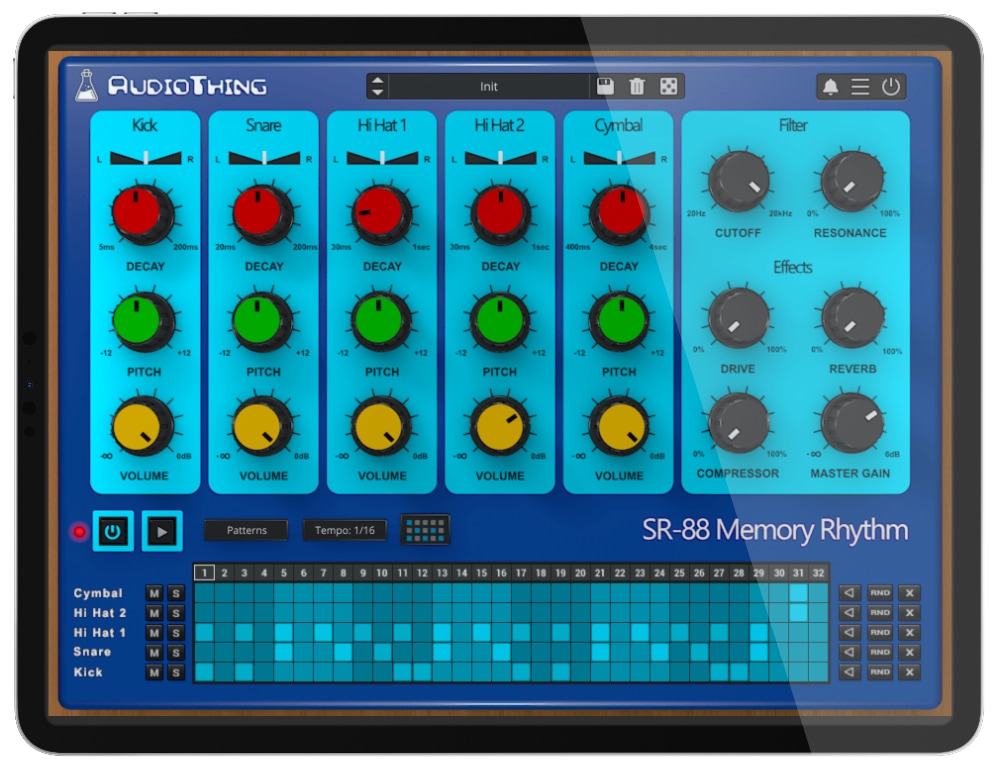
SR-88 Demo
Try SR-88 for free with some limitations: silence for 3 seconds every 45 seconds, saving disabled.
If you like it, you can purchase a license and then authorize the demo version.
Requires macOS 10.13 or higher
AU, VST2, VST3, AAX, CLAP (64bit only)
Requires Windows 7 or higher
VST2, VST3, AAX, CLAP (64bit only)
Requires Ubuntu 20.04 or newer
VST2, VST3, CLAP (64bit only)
macOS
Requires macOS 10.13 or higher
AU, VST2, VST3, AAX, CLAP (64bit only)
Download DemoWindows
Requires Windows 7 or higher
VST2, VST3, AAX, CLAP (64bit only)
Download DemoLinux
Requires Ubuntu 20.04 or newer
VST2, VST3, CLAP (64bit only)
Download DemoSpecifications
- 5 classic analog sounds
- 15 Factory Presets / 15 Factory Patterns
- Low Pass Filter (ZDF)
- Overdrive, Compressor, and Reverb Effects
- Sequencer with MIDI Drag to DAW
- Preset system with randomizer
- Brightness and Contrast Controls
System Requirements
Windows
Windows 7 – 11
2GHz CPU, 4 GB RAM
VST2, VST3, AAX, CLAP (64-bit)
macOS
macOS 10.13 – macOS 14
2GHz CPU, 4 GB RAM
VST2, VST3, AU, AAX, CLAP (64-bit)
Universal 2 Binary
Linux
Ubuntu 20.04 LTS
2GHz CPU, 4 GB RAM
VST2, VST3, CLAP (64-bit)
Changelog
v1.6.2 2024/02/29
- Added: Graphics Controls (Brightness and Contrast)
- Improved: Graphic memory usage
- Fixed: Some parameters not saving/recalling correctly
v1.6.1 2023/11/16
- Added: macOS 14 Sonoma support
- Added: CLAP plugin format
- Added: Linux VST2, VST3, CLAP plugin formats
- Added: AAX Silicon Support
- Improved: Sequencer host sync
- Fixed: Saving Patterns now works as before
- Fixed: Popups not opening correctly with multiple instances in Logic Pro
v1.6 2022/03/23
- Added: macOS 12 Monterey (Universal 2 Binary)
- Added: Option to enable Accelerated GUI
- Added: Internal support for left-hand mouse users
- Improved: HiHats and Cymbal attack to avoid unwanted clicks
- Fixed: Cymbal Mute not working
- Fixed: Custom Settings not saving globally
- Fixed: Patterns not saving correctly (VST3)
v1.5 2020/02/24
- Added: macOS 10.15 Catalina support
- Added: VST3 plugin format
- Added: Parameter Lock
- Added: Notification System
- Added: Online Authorization Form
- Added: Preset Copy/Paste to/from Clipboard
- Added: Global option – Resizable Window
- Fixed: Sound inconsistencies when changing samplerate
Copy Protection
To activate your plugin you can choose between Online and Offline authorization.
Create an account, log in through the plugin to activate, or download your license file for offline activation.
Activation
1 license up to 3 computers
No iLok
We don’t like dongles
No Internet
No connection required to activate